Make the mockup
your own
Follow these steps to add your design to a PSD mockup in Photoshop.
 01
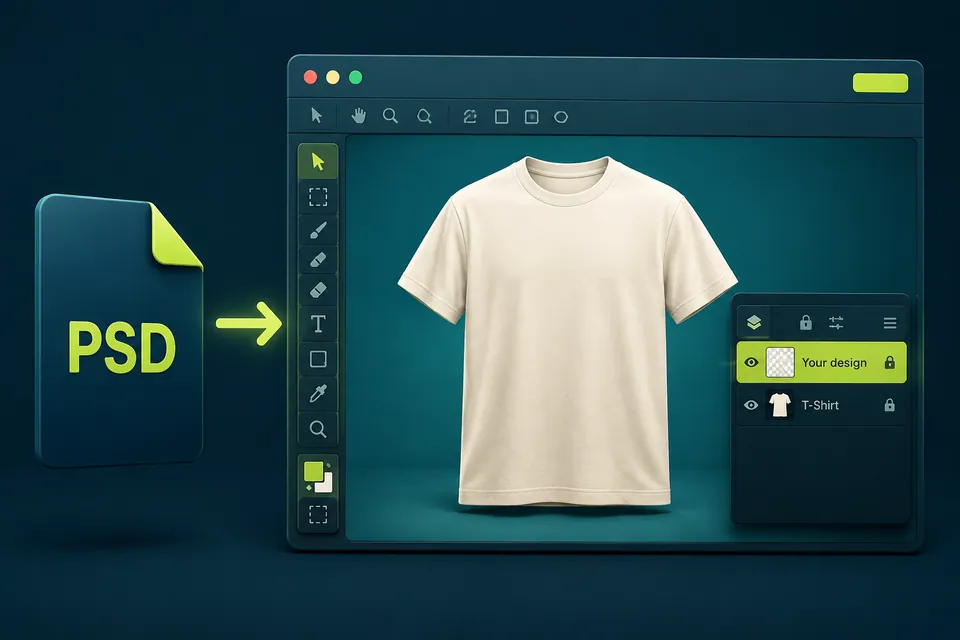
01Open the mockup
Download and unzip the product. Open the PSD file in Adobe Photoshop. In the Layers panel, find the Smart Object layer that contains the placeholder artwork.
 02
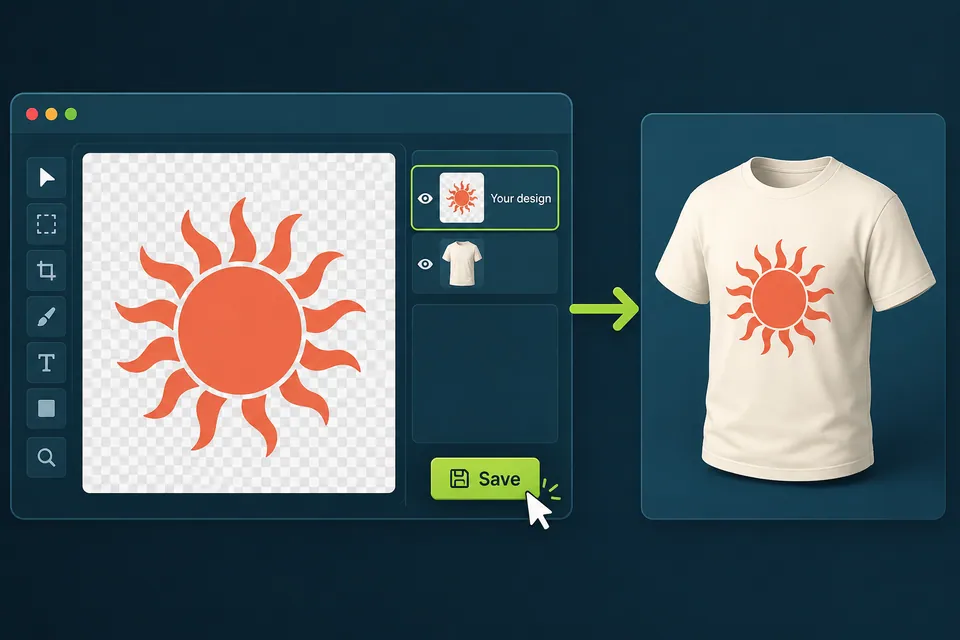
02Replace the artwork
Double-click the Smart Object thumbnail. In the document that opens, delete the placeholder and insert your artwork. Scale it to fit the canvas. Choose File → Save, then close this document. Your artwork will appear in the main mockup.
 03
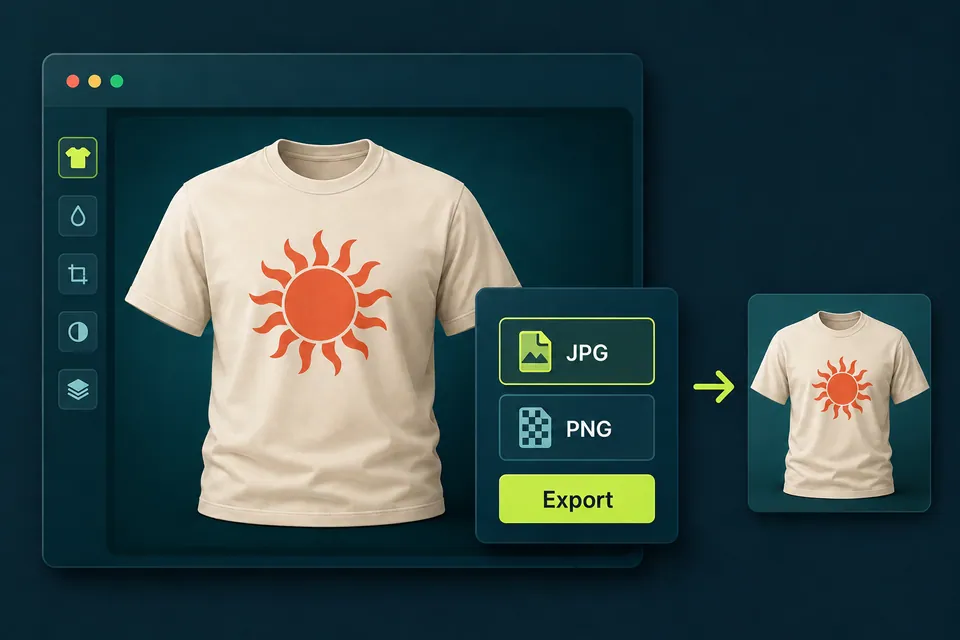
03Save and export
In the main mockup, choose File → Save As and save the working file as a PSD. Then choose File → Export → Export As, select JPG or PNG, and click Export.
If the template does not contain a Smart Object layer, follow the instructions included with that product.