A good t-shirt mockup does one job: it makes a shopper believe the shirt exists. Flat artwork on a white rectangle doesn't, and neither does the same free template half of Etsy already uses.
We grouped the picks by where the image will be used. Product listings need clean, consistent shots in several colors; social posts and lookbooks need people and places; streetwear drops usually need the back print and a hoodie or cap to round out the range.
In this guide
- For product listings
- 1. 100 T-Shirt Mockup PSD Bundle
- 2. T-Shirt (Front & Back) Mockup
- 3. Infinity Color T-Shirt Mockups
- 4. Isolated Apparel Mockups Bundle vol.1
- Lifestyle scenes for social and lookbooks
- 5. T-Shirt Mockup Lifestyle Scenes
- 6. Oversized T-Shirt Mockup by the Water
- Hoodies and caps
- 7. Oversize Hoodie Mockup Back View
- 8. Cap Mockup
- Getting the most from a t-shirt mockup
- By the numbers
- FAQ
- Sources
For product listings
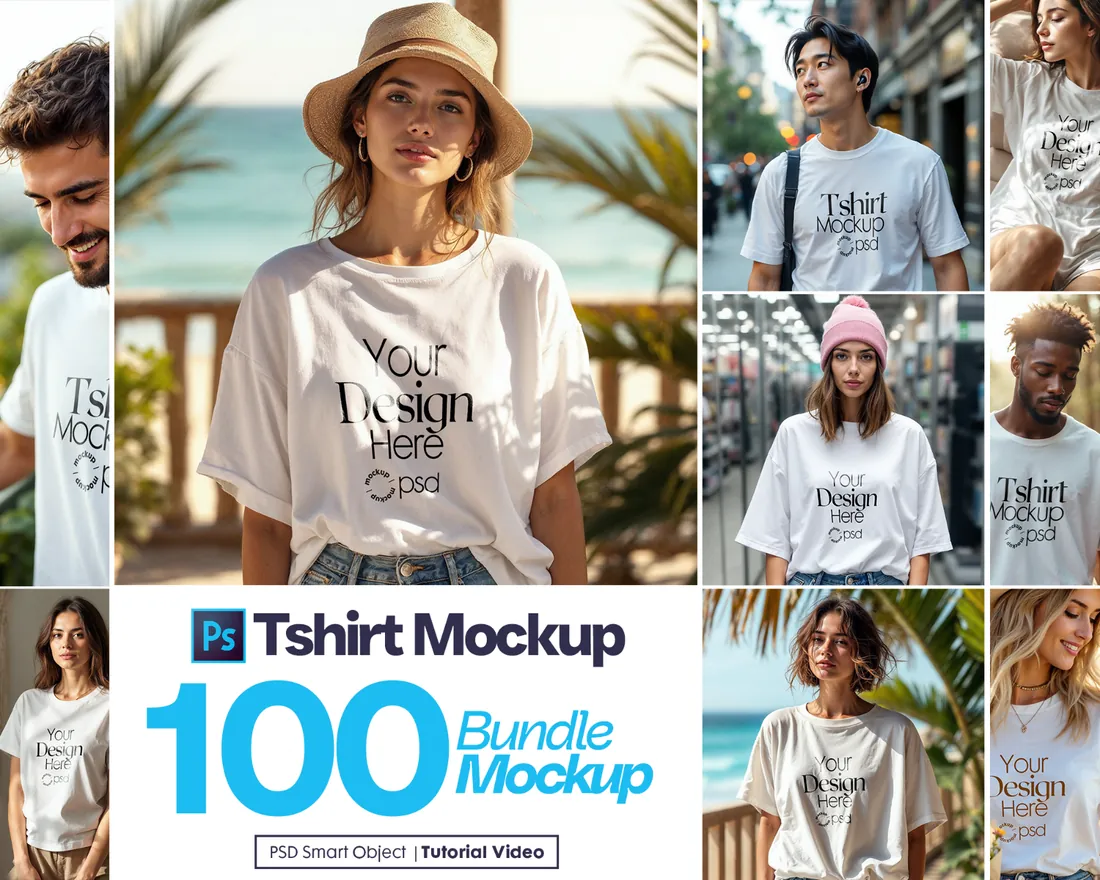
1. 100 T-Shirt Mockup PSD Bundle
Save for laterOn your phone? Save this mockup to Pinterest and download it on your computer.
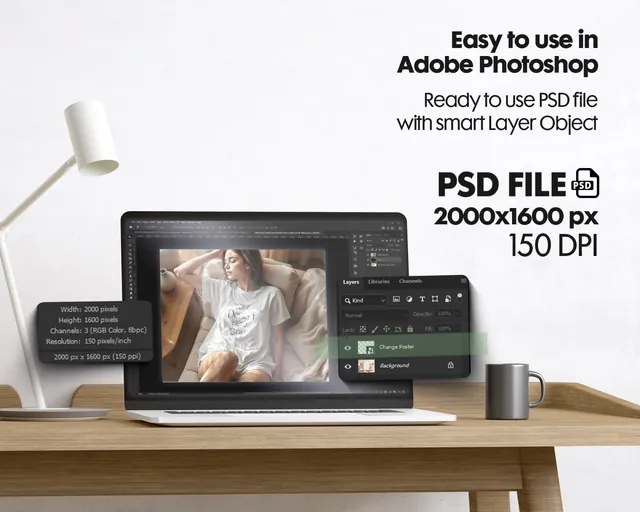
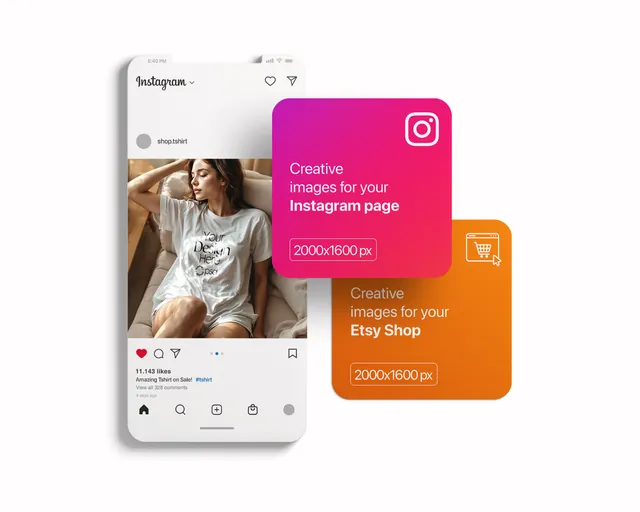
A bundle of 100 t-shirt scenes with smart objects, enough to give every design in a store its own set of photos, from Etsy listings to social posts. The shirts follow the cut of two of the most common print-on-demand blanks, Gildan 64000 and Bella Canvas 3001, so the listing looks like the shirt that actually arrives.
- Best for: giving a whole t-shirt store a consistent, professional look.
- In the file: 100 layered PSD scenes, Smart Objects for the design, Gildan 64000 and Bella Canvas 3001 blanks.
- Tip: Use one or two scenes as the main image across your whole store so listings look consistent, and save the rest for secondary photos.
Reader perk: 10% off with code MOCKUPEX10
2. T-Shirt (Front & Back) Mockup
Save for laterOn your phone? Save this mockup to Pinterest and download it on your computer.
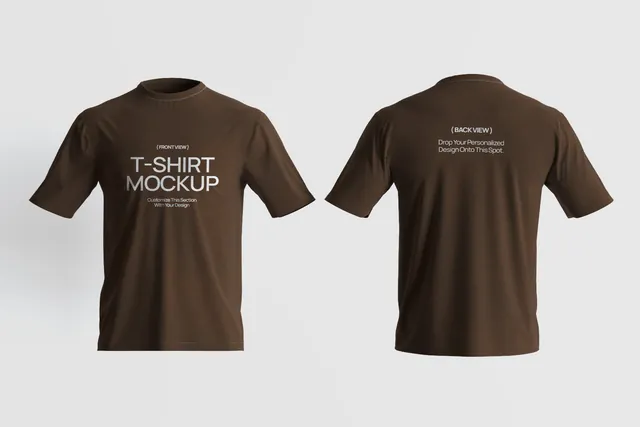
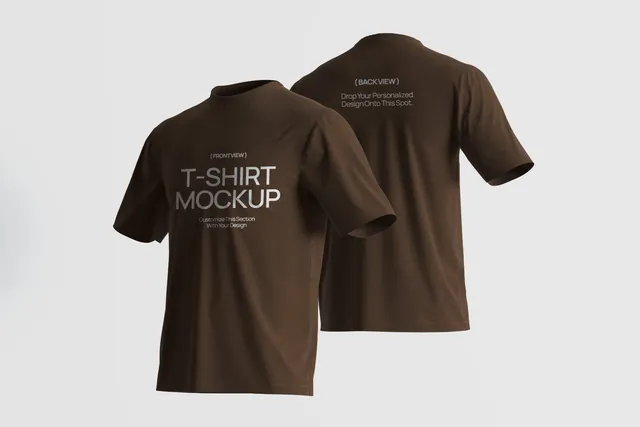
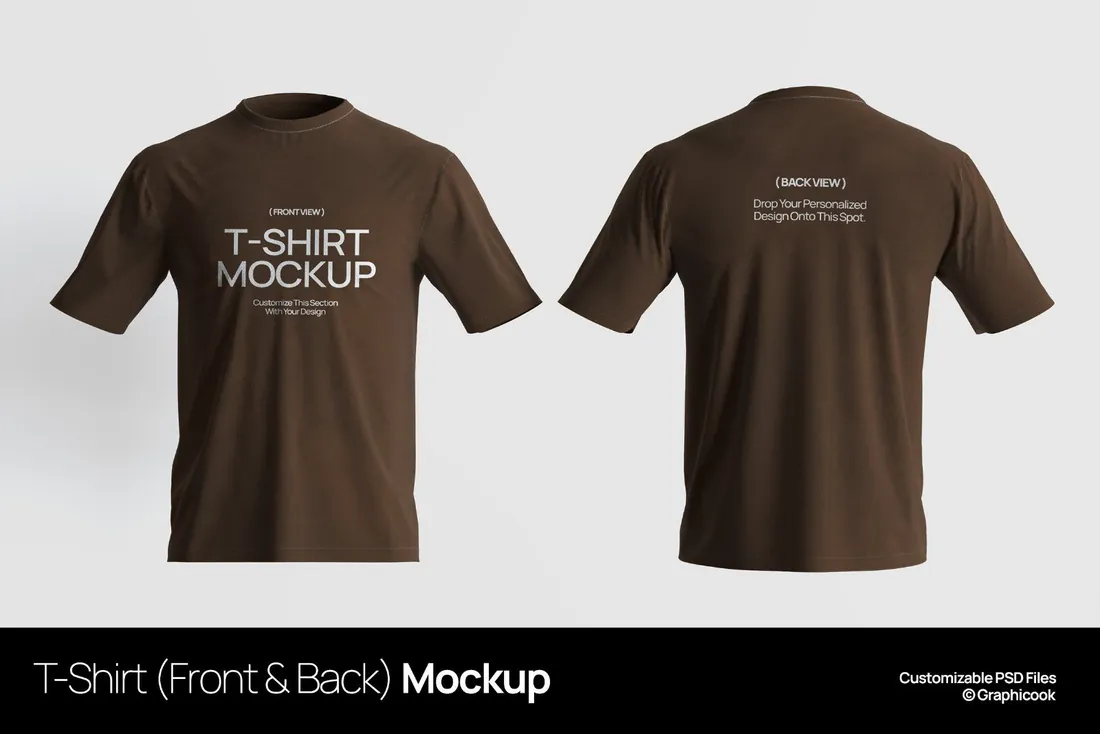
A template with the front and back of the same shirt in one image and an editable background color. One picture shows the whole design, so shoppers don't have to click through photos to see the back.
- Best for: showing customers the complete design before they buy.
- In the file: PSD with Smart Objects, editable background color, all elements on separate layers, help file included.
- Tip: Keep the background close to your store's color so the shirt, not the backdrop, stands out in search results.
Reader perk: 10% off with code MOCKUPEX10
3. Infinity Color T-Shirt Mockups
Save for laterOn your phone? Save this mockup to Pinterest and download it on your computer.
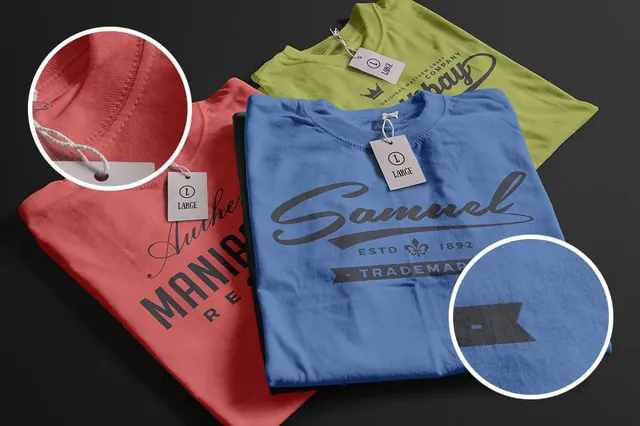
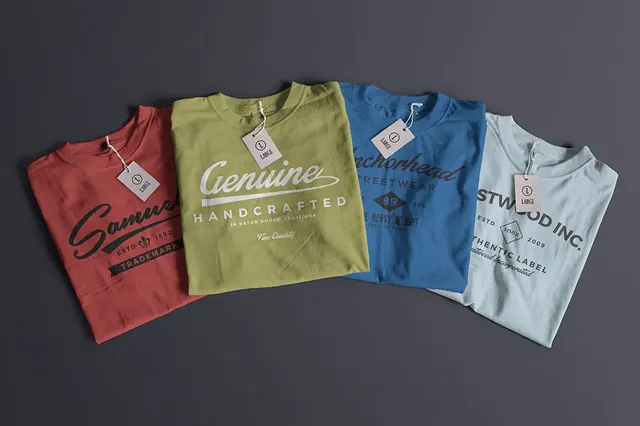
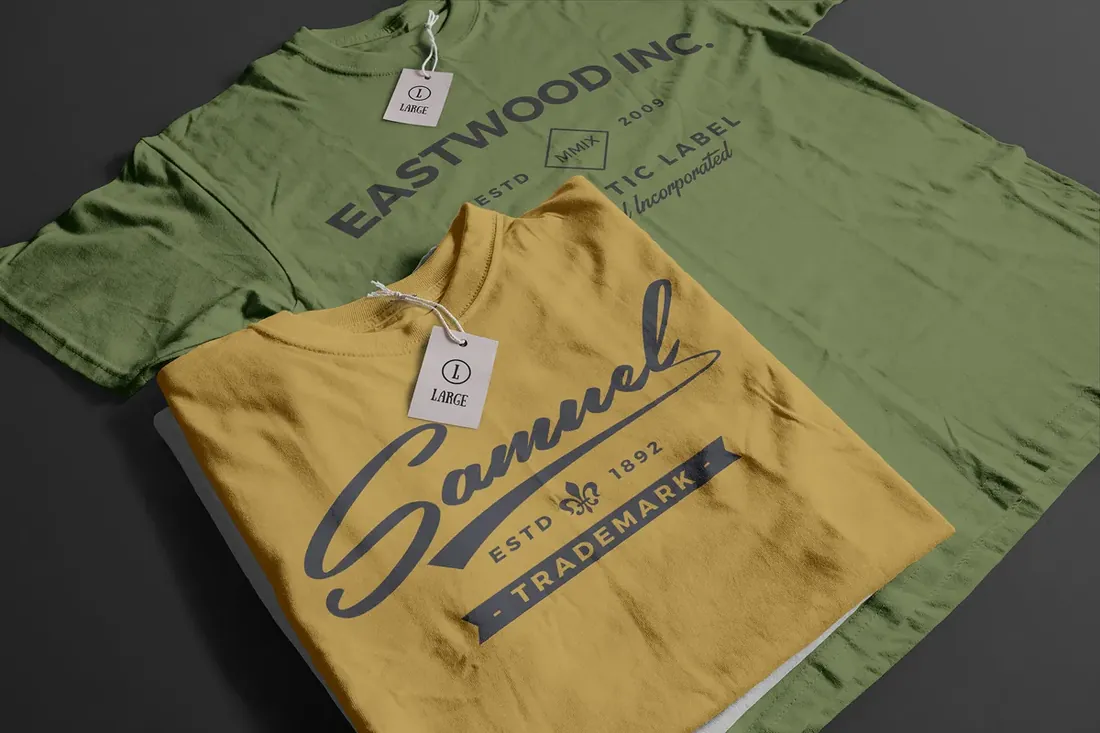
Four studio scenes where both the shirt and the background color can be changed, with removable tags. If you sell the same print in black, white and three seasonal colors, this saves you from shooting or buying a scene per color.
- Best for: letting shoppers see a design in every shirt color you sell.
- In the file: 4 PSD scenes, changeable shirt and background colors, removable, editable tags.
- Tip: Pick colors from your print provider's actual swatches; a mockup shade that is brighter than the real fabric leads to returns.
4. Isolated Apparel Mockups Bundle vol.1
Save for laterOn your phone? Save this mockup to Pinterest and download it on your computer.
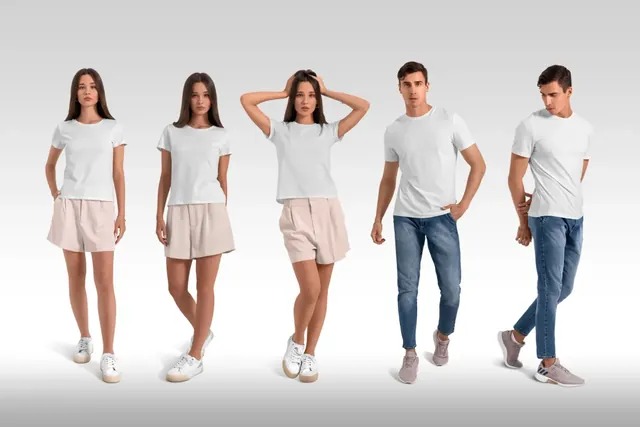
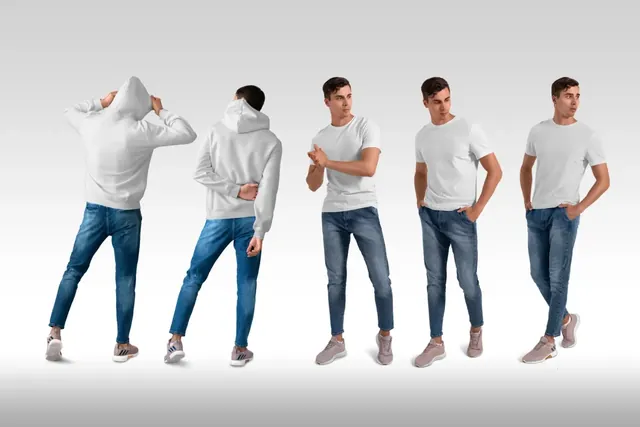
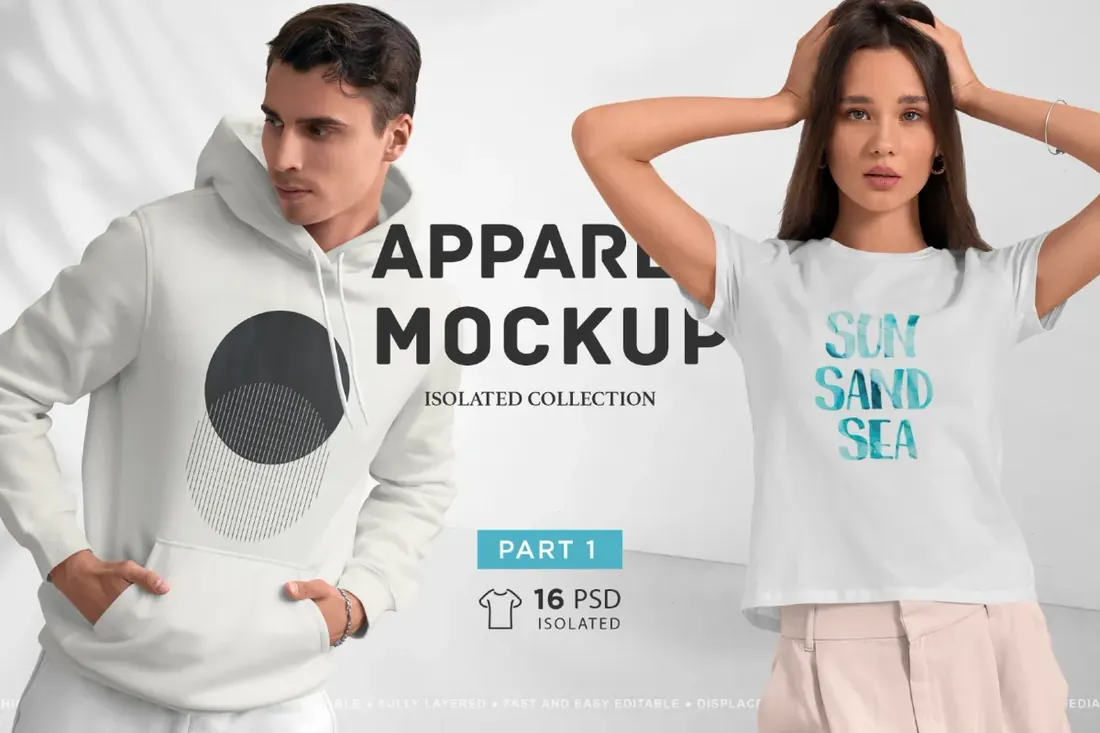
Sixteen studio scenes with male and female models in blank t-shirts and hoodies on light grey: front, angled and back views, full-body and cropped. It sits between flat product shots and lifestyle photos, showing fit without distracting from the print.
- Best for: showing how a shirt or hoodie fits and looks on a real person.
- In the file: 16 PSD scenes, t-shirts and hoodies, front, angled and back views, customizable colors, illustrated help file.
- Tip: Use the full-body shots for the main listing image and the cropped ones for close-ups of the print.
Lifestyle scenes for social and lookbooks
5. T-Shirt Mockup Lifestyle Scenes
Save for laterOn your phone? Save this mockup to Pinterest and download it on your computer.
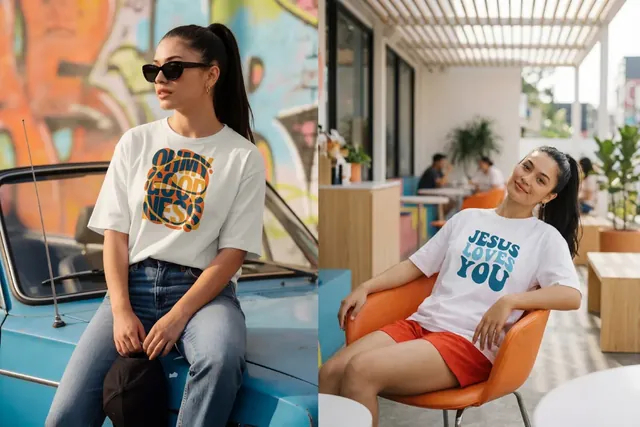
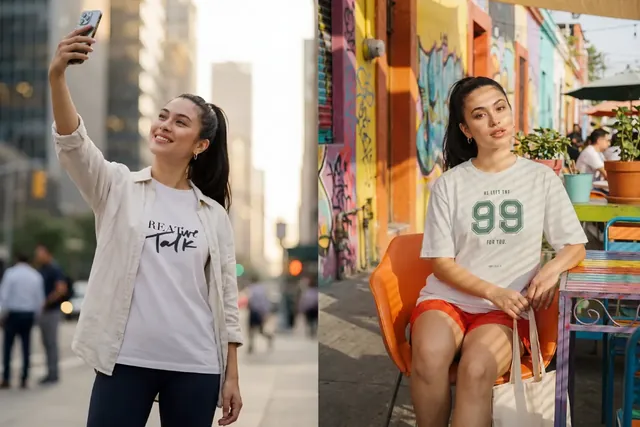
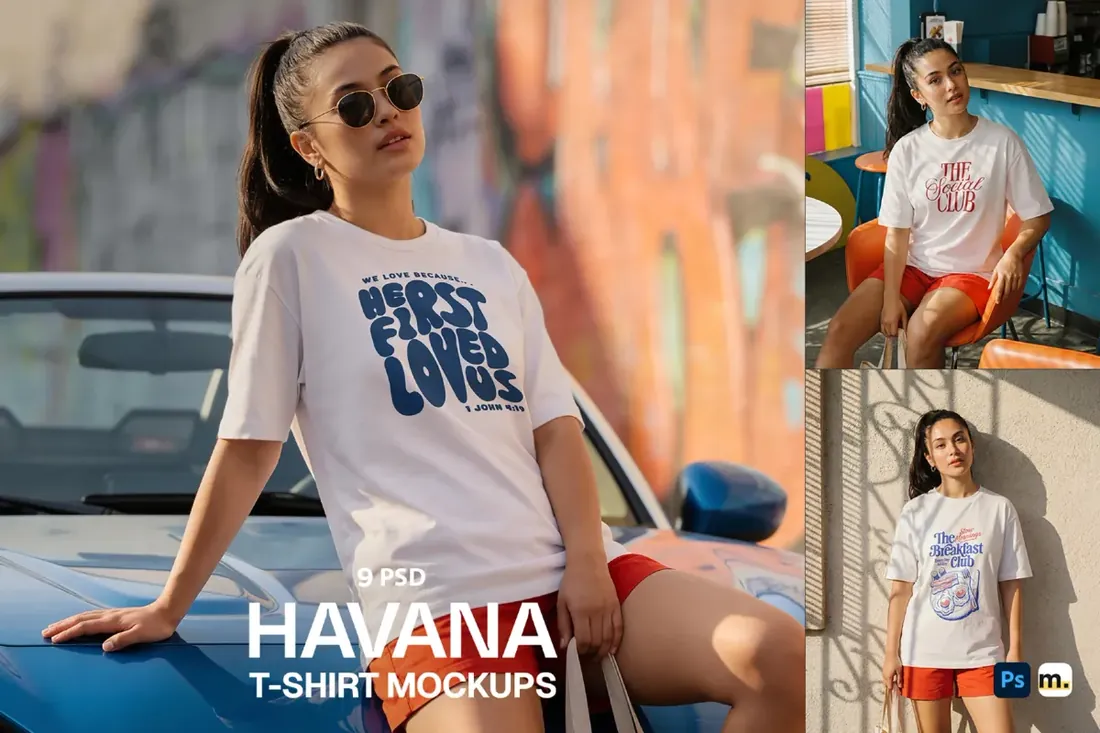
Nine sunlit lifestyle scenes with urban backdrops and everyday moments. Lifestyle shots help people imagine wearing the shirt, which product shots can't do, so they work best on social media and campaign pages rather than as the main listing image.
- Best for: building a brand mood on social media and in lookbooks.
- In the file: 9 PSD scenes, Smart Object editing, high resolution for web and print.
- Tip: Pair each lifestyle image with a clean product shot of the same design; together they answer what it is and how it looks on.
6. Oversized T-Shirt Mockup by the Water
Save for laterOn your phone? Save this mockup to Pinterest and download it on your computer.
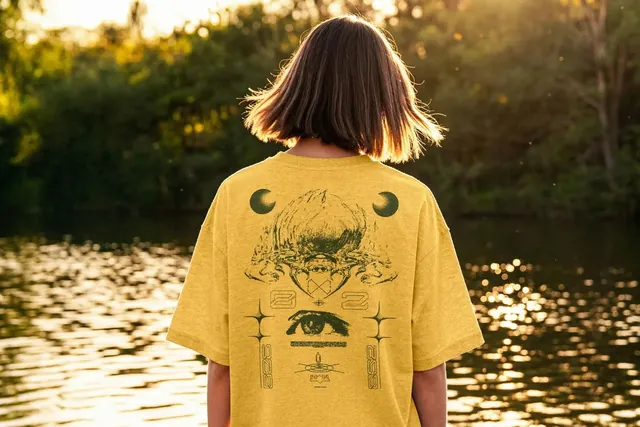
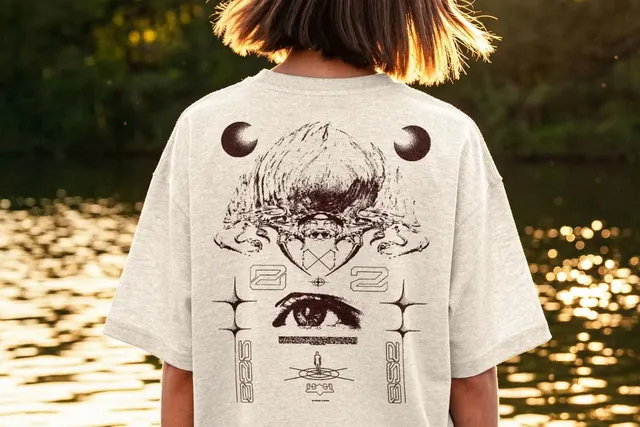
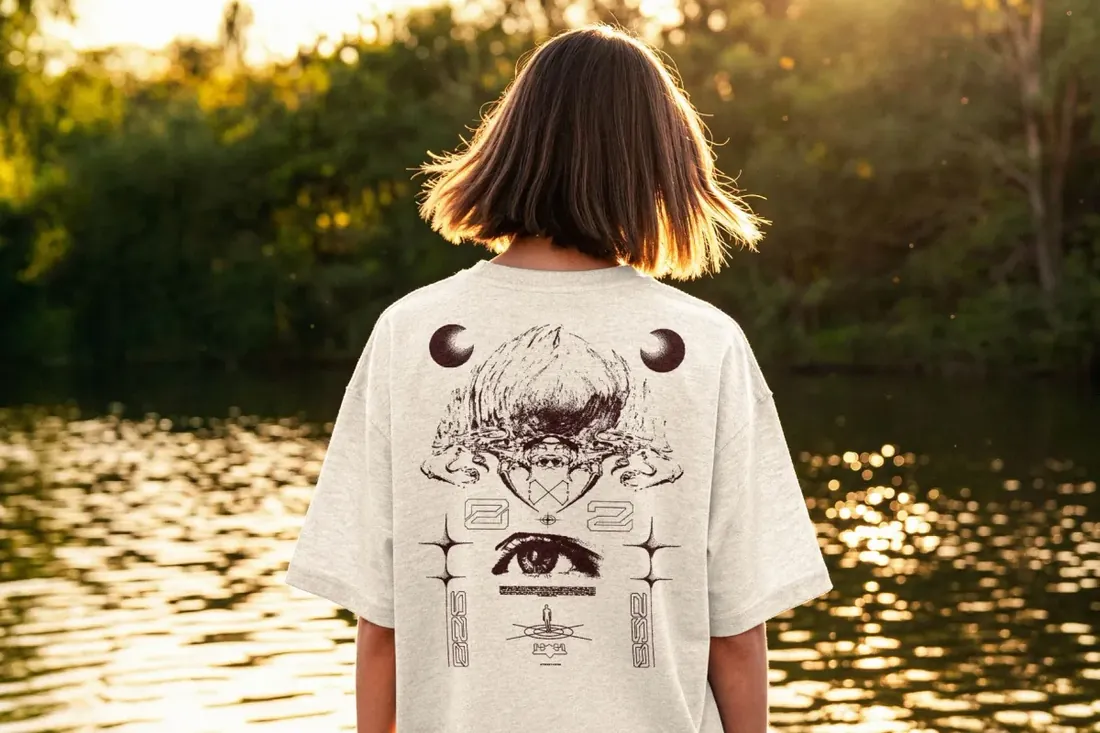
An oversized tee shot from behind on a riverbank in golden light, with the full back panel visible. Back prints are common in streetwear and band merch, and most mockups show only the front, so this fills a real gap.
- Best for: making a back-print design or merch drop look desirable.
- In the file: 4500 x 3000 px, 300 dpi, changeable shirt color, Smart Object, displacement map for fabric folds.
- Tip: Size the artwork as it will actually be printed; a back print that looks huge in the mockup can disappoint when the real shirt arrives.
Hoodies and caps
7. Oversize Hoodie Mockup Back View
Save for laterOn your phone? Save this mockup to Pinterest and download it on your computer.
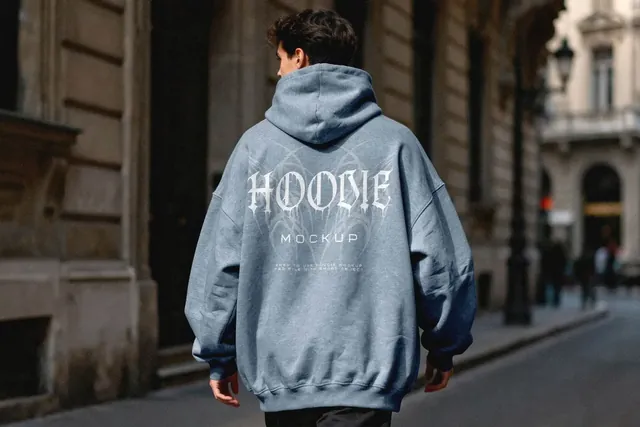
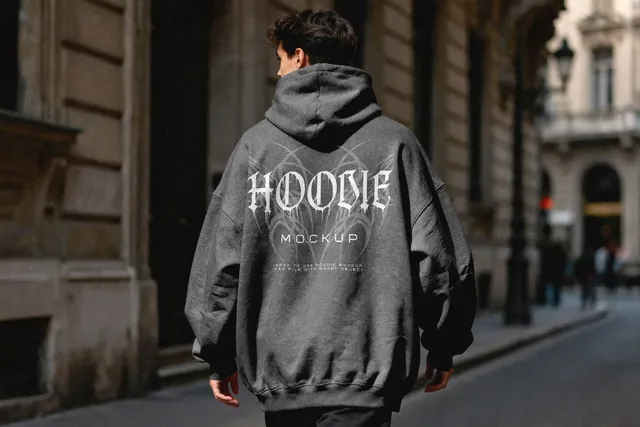
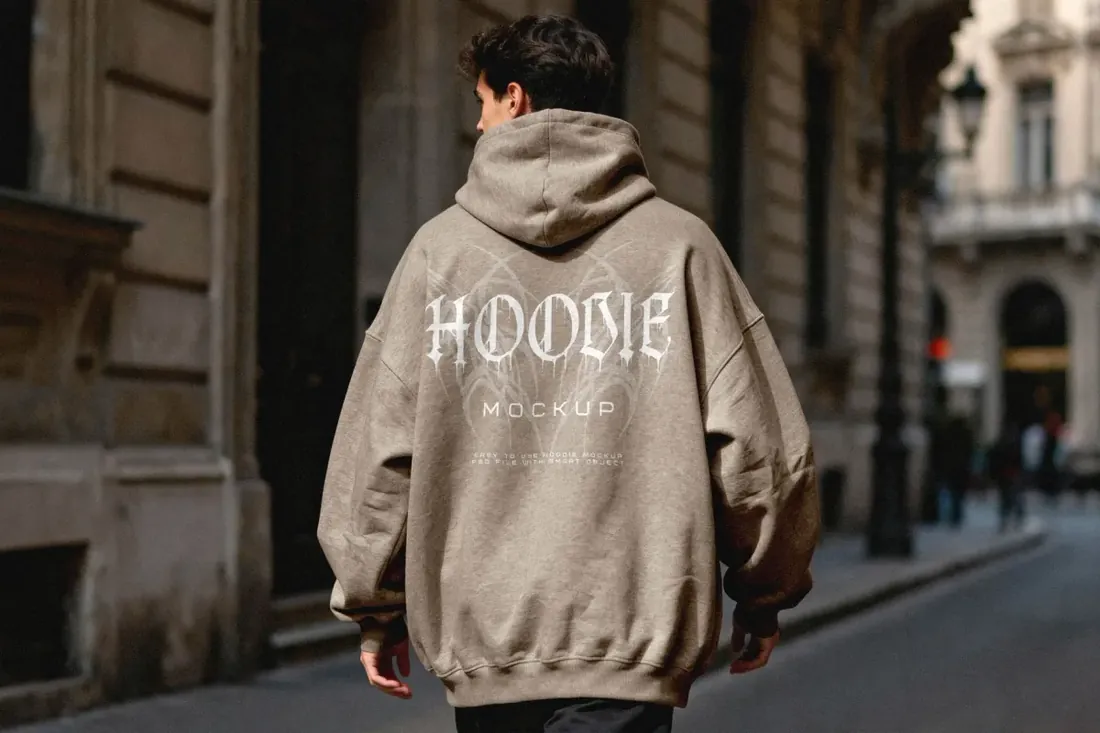
An oversized hoodie from behind on a city street, with the whole back panel as the print area and an editable hoodie color. Streetwear brands often lead a drop with the hoodie, so it's worth having a scene that feels as considered as the design.
- Best for: making a streetwear drop look like it comes from a real brand.
- In the file: 4500 x 3000 px, 300 dpi, editable hoodie color, Smart Object.
- Tip: Use the same street-photo mood for your T-shirt shots so the whole drop looks like one shoot.
8. Cap Mockup
Save for laterOn your phone? Save this mockup to Pinterest and download it on your computer.
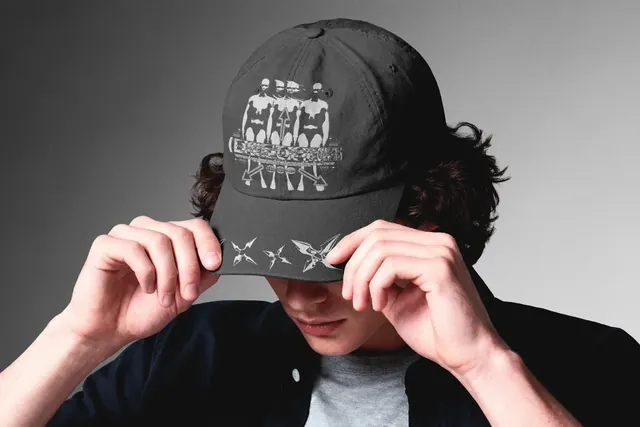
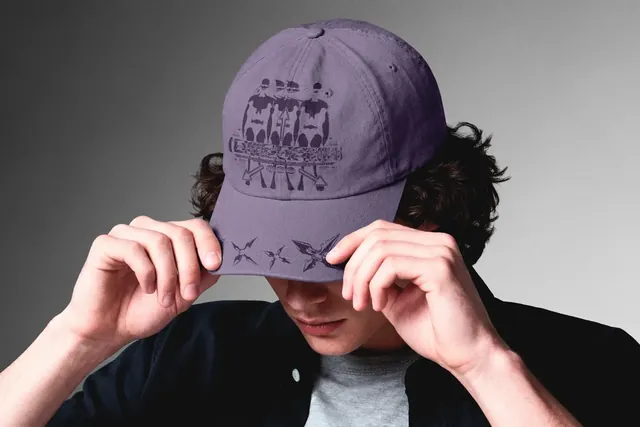
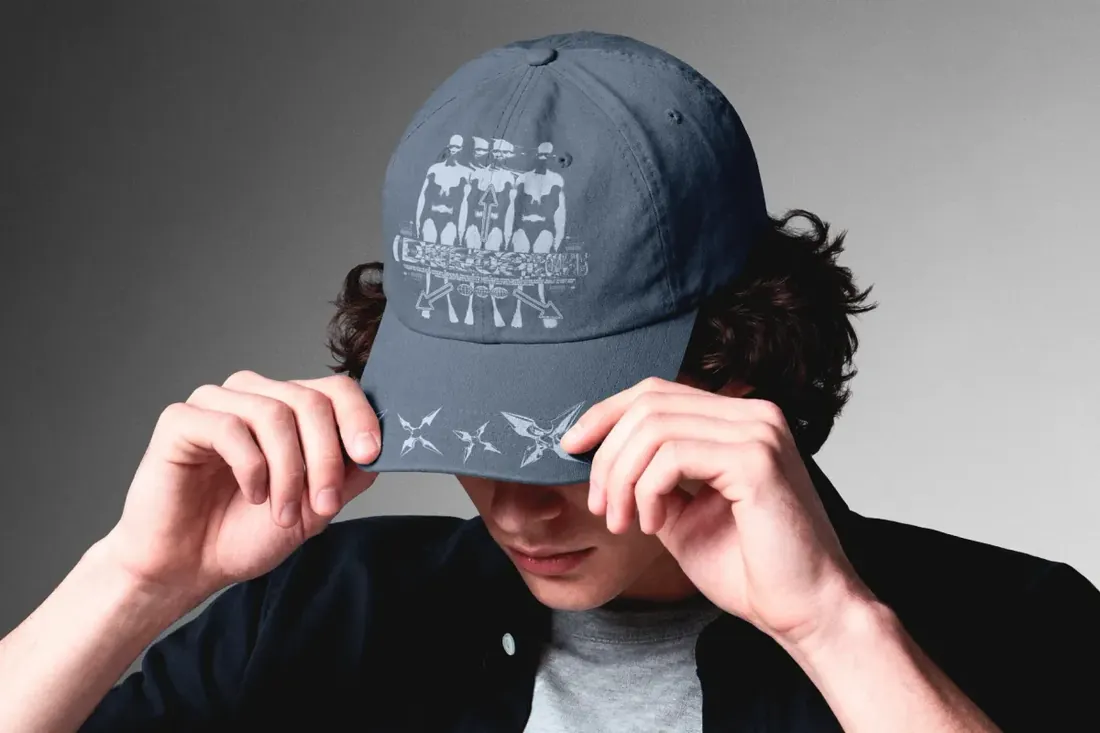
A close studio shot of a model pulling a cap down, with both the crown and the brim facing the camera. That shows a front graphic and a brim detail at the same time, which most flat cap mockups can't.
- Best for: turning a logo into branded merch people want to wear.
- In the file: 4500 x 3000 px, 300 dpi, Smart Object.
- Tip: Embroidered logos look more convincing with a slight shadow and texture; keep fine details thick enough to stitch.
Getting the most from a t-shirt mockup
- PSD mockups give you the most realistic results and full control over color, lighting and placement. You need an editor that supports Smart Objects: Photoshop, or the browser-based Photopea.
- Place the design at its real print size, so the photo matches the shirt the customer receives.
- Use the same few scenes across your whole store. Consistent photos make a shop look like one brand, and a distinctive scene helps your listings stand out from sellers using common templates.
Sources: Logos By Nick: How to use PSD mockups without Photoshop
By the numbers
- 69%of US shoppers say a lifestyle image catches their attention online more than a plain product shotnfinite shopper sentiment report via Retail Dive, Jun 2023
- 47%of US online shoppers rate high-quality product images as the most influential factor when buying from a brandSplashlight consumer survey, Aug 2017
- 51.7%say photos of the item on a model may increase their chance of buying itSplashlight consumer survey, Aug 2017
Frequently asked questions
What is a t-shirt mockup?
A template, usually a layered PSD file, that shows your design on a realistic shirt. You place your artwork into a Smart Object and the mockup applies folds, lighting and texture.
Do I need Photoshop to use a t-shirt mockup?
Not necessarily. The browser-based editor Photopea opens PSD files and lets you edit Smart Objects.
Which mockup should I use for my Etsy or print-on-demand listing?
Use a clean product shot that matches the real blank you sell as the main image, then add a lifestyle scene and a close-up of the print as extra photos.
Can I use mockups in my store listings?
Usually yes, but terms depend on the creator and the marketplace. Check the license on the product page, especially if you sell templates or use the mockup for clients.
Can one t-shirt mockup show both a white and a black shirt?
Yes, if the shirt color is editable. The studio set in this guide lets you change both the shirt and the background color, so one t shirt mockup covers white, black and every color you sell.
Final thoughts
Start with one clean product mockup that matches the shirt you actually sell, and use it for every listing so your store looks consistent. Add a lifestyle scene once a design starts selling.
Sources
Last checked October 31, 2026.