Outdoor advertising is the part of a campaign that people don't choose to see. It waits by the road, at the bus stop and on the subway platform, and it has a few seconds to be noticed.
This guide brings together billboard and outdoor advertising mockups in every shape the street offers: roadside and corner billboards, a cube on a pole, citylights, bus shelters, glowing screens, building walls, banners and the humble sign outside a café.
In this guide
- Billboards
- 1. Roadside OOH Billboard Mockup
- 2. Corner Billboard Mockup
- 3. Cube Billboard Mockup
- 4. City Night Billboard Mockup
- Citylights, bus stops and subway
- 5. Citylight Poster Mockup
- 6. Horizontal Bus Stop Signboard Mockup
- 7. Subway Station Billboard Mockup
- Screens and building walls
- 8. Night Sidewalk LED Screen Mockup
- 9. Tilt-Shift City Billboard Mockup
- Signage: banners, flags and sidewalk signs
- 10. Street Pole Banner Mockup
- 11. Feather Flag Banner Mockup
- 12. Sidewalk A-Stand Mockup
- How to present an outdoor campaign
- By the numbers
- FAQ
- Sources
Billboards
1. Roadside OOH Billboard Mockup
Save for laterOn your phone? Save this mockup to Pinterest and download it on your computer.
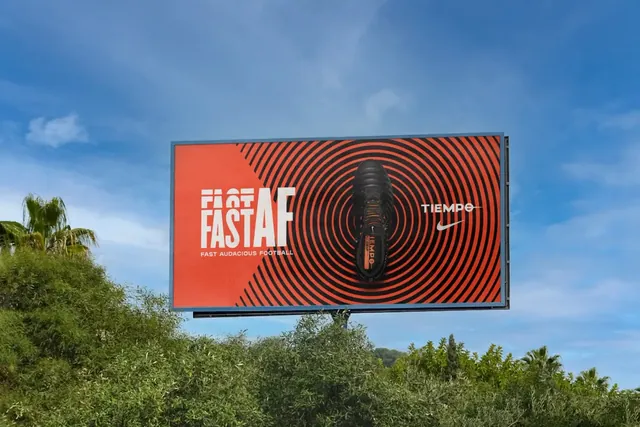
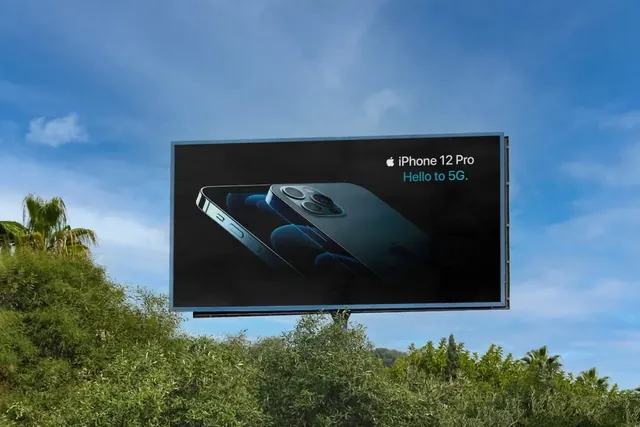
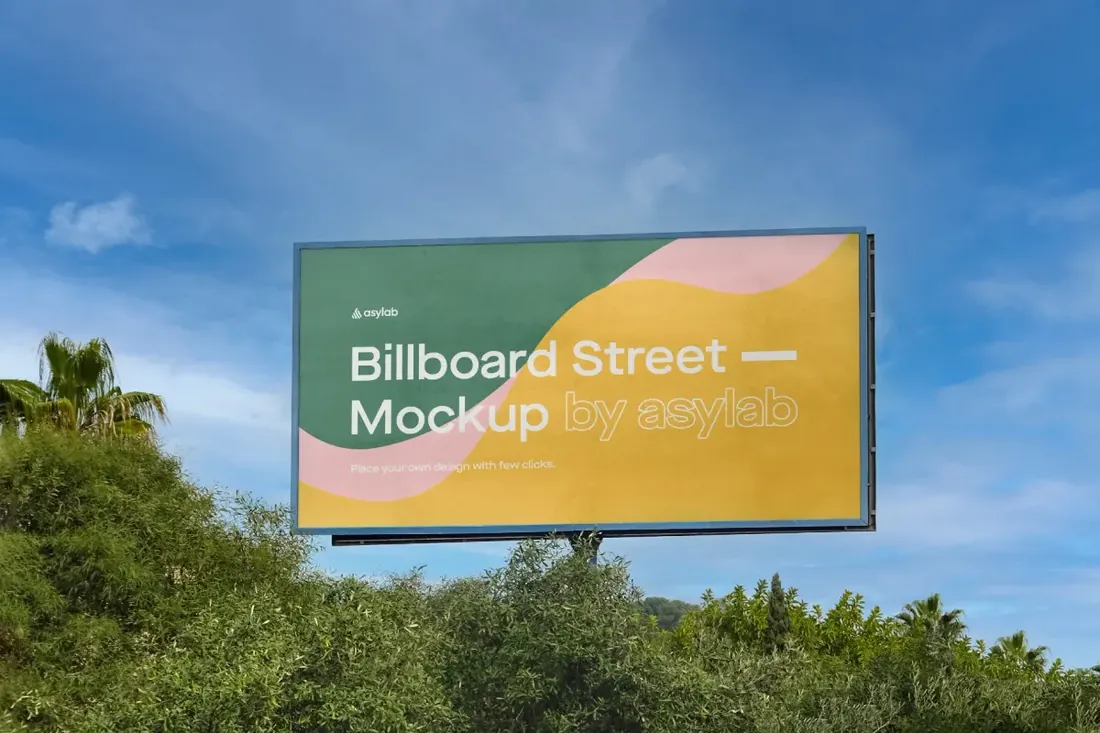
Even if a client never buys a billboard, this is the slide that makes a brand look established: put a logo or a key visual on a roadside board and a portfolio project reads like a real campaign. Two sky versions let you match the backdrop to the design.
- Best for: presenting a brand campaign at the scale people see it from the road.
- In the file: 3000 x 2900 px, 300 dpi, two sky options, editable colors, shadows and lighting.
- Tip: A roadside board is read in a few seconds: one image, a handful of words and a large logo.
2. Corner Billboard Mockup
Save for laterOn your phone? Save this mockup to Pinterest and download it on your computer.
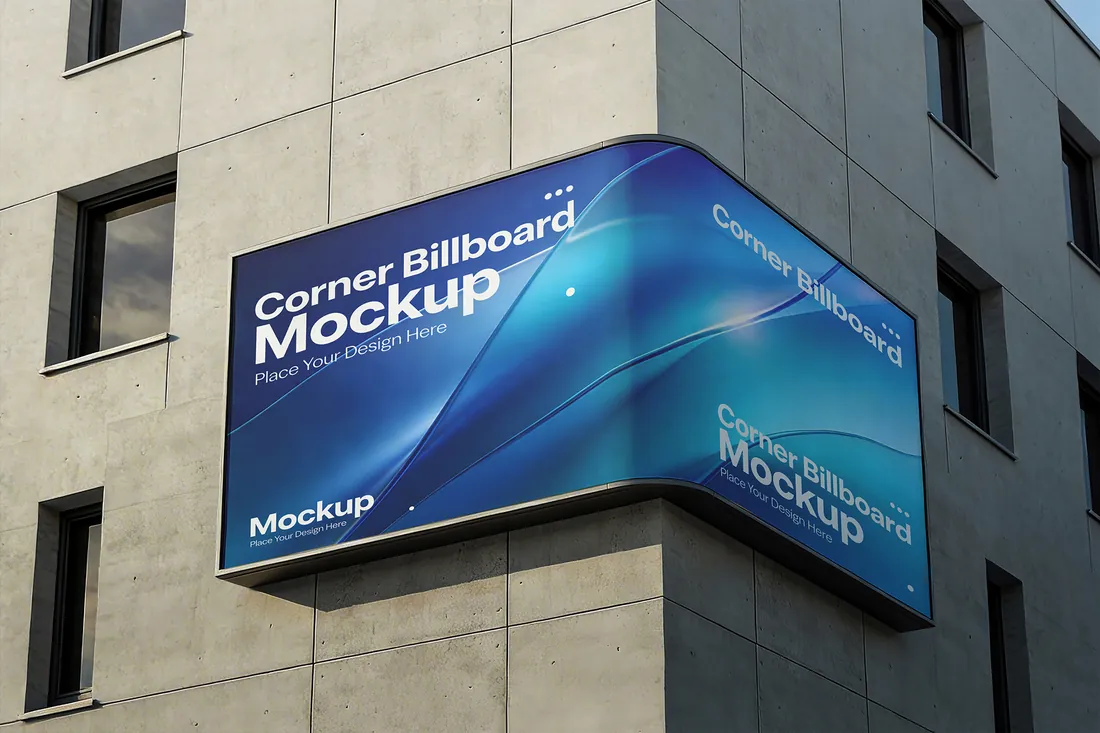
Curved corner screens are where the famous 3D ads run, the ones where a product seems to burst out of the building. Place a 3D render with depth and shadows here and you can pitch that kind of anamorphic campaign before anything is produced.
- Best for: pitching a 3D ad campaign on a city corner screen.
- In the file: 4500 x 3000 px, 300 dpi, Smart Object, organized, editable layers.
- Tip: Keep words away from the bend; let the image or a color field wrap around the corner instead.
3. Cube Billboard Mockup
Save for laterOn your phone? Save this mockup to Pinterest and download it on your computer.
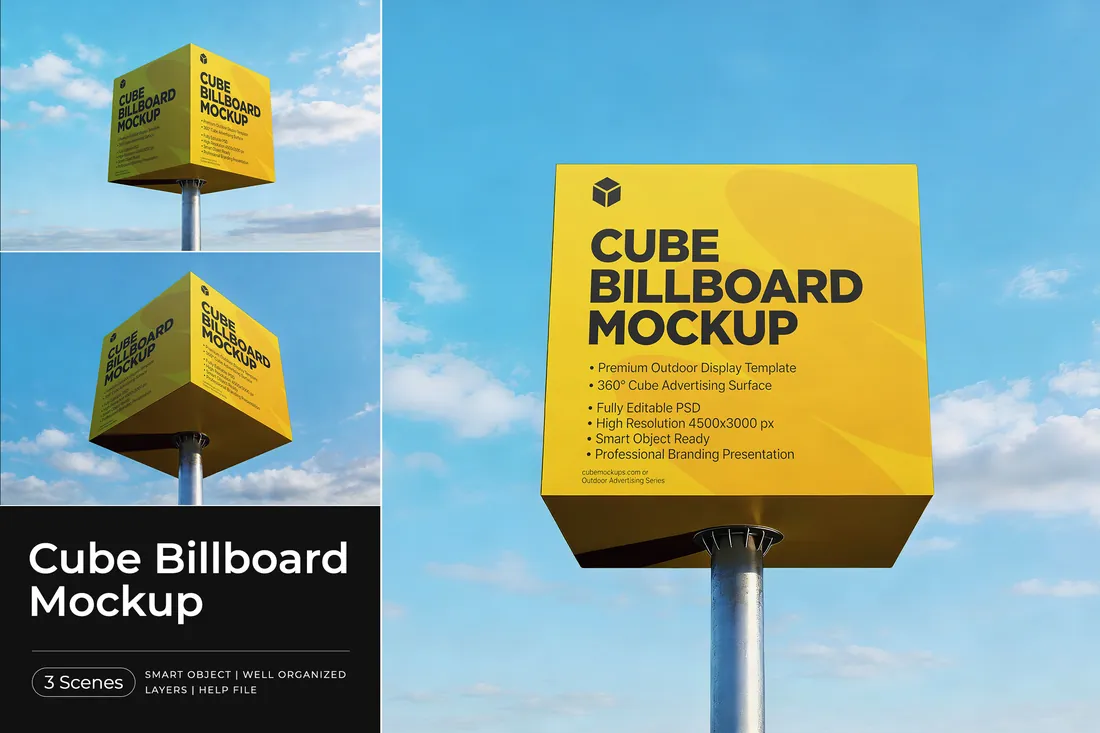
Cube billboards stand at crossroads and outside gas stations, drive-through restaurants, car dealers and shopping centers, because they can be seen from every direction of traffic. If you are branding a business like that, this mockup shows the client how the logo works as a roadside sign from any side.
- Best for: presenting a roadside sign for a gas station, a restaurant or a shopping center.
- In the file: 3 PSD scenes, 4500 x 3000 px, Smart Object, help file.
- Tip: A cube is seen from two sides at once: a large logo or one strong color works better than a detailed layout.
4. City Night Billboard Mockup
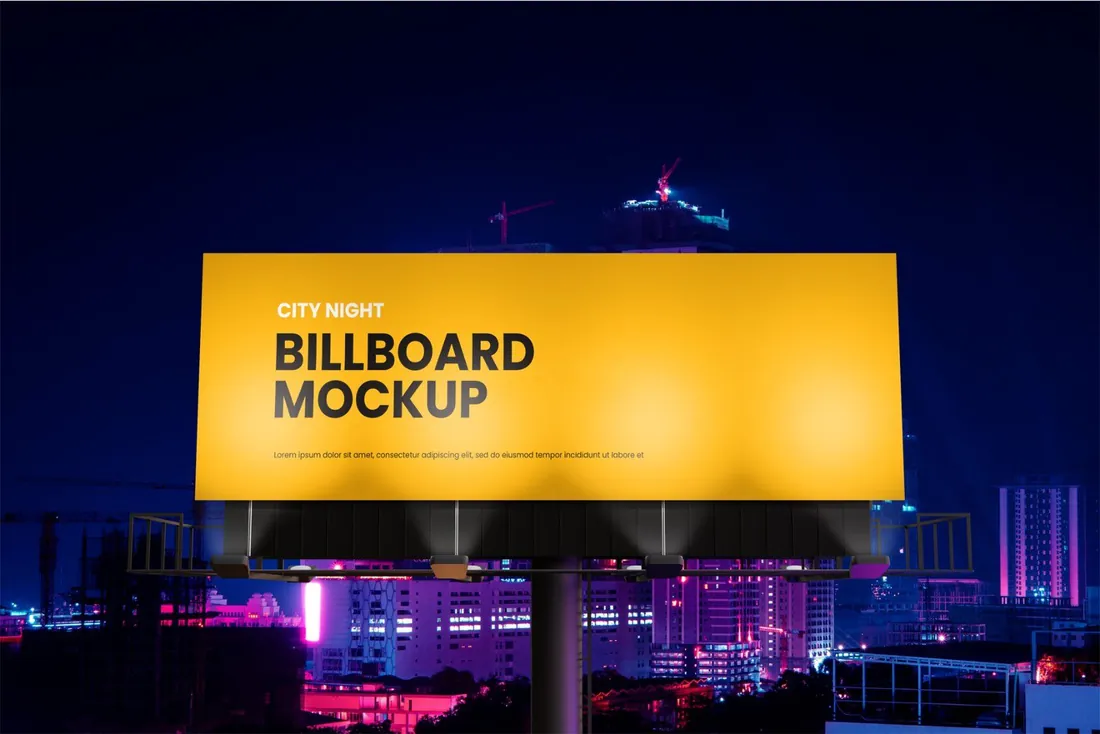
Save for laterOn your phone? Save this mockup to Pinterest and download it on your computer.
Most campaigns are approved on a white screen, then run day and night. A night scene shows the client how the design glows after dark, and it is the most dramatic slide for events, nightlife, concerts and film releases.
- Best for: giving an event or a launch campaign a bold, after-dark presence.
- In the file: 4500 x 3000 px, 300 dpi, Photoshop PSD, user guide (PDF).
- Tip: Light, saturated artwork glows in a night scene; dark designs tend to disappear.
Reader perk: 10% off with code MOCKUPEX10
Citylights, bus stops and subway
5. Citylight Poster Mockup
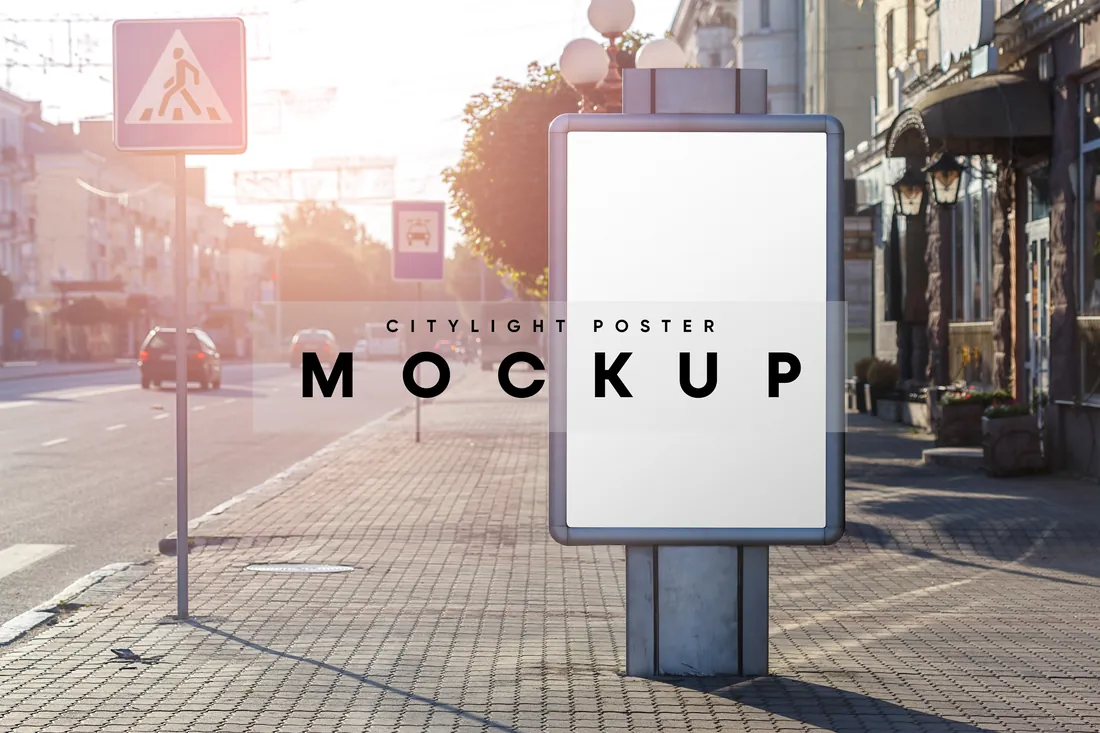
Save for laterOn your phone? Save this mockup to Pinterest and download it on your computer.
If you design posters, this is the easiest way to make one look published: a citylight turns a flat poster for a concert, an exhibition or a film into something people walk past on a real street.
- Best for: presenting a poster campaign at eye level on a city street.
- In the file: 1 PSD file with a Smart Object, high-resolution JPG, 300 dpi, PDF instructions.
- Tip: Citylights are read by pedestrians from a few steps away, so they can carry a little more text than a billboard.
6. Horizontal Bus Stop Signboard Mockup
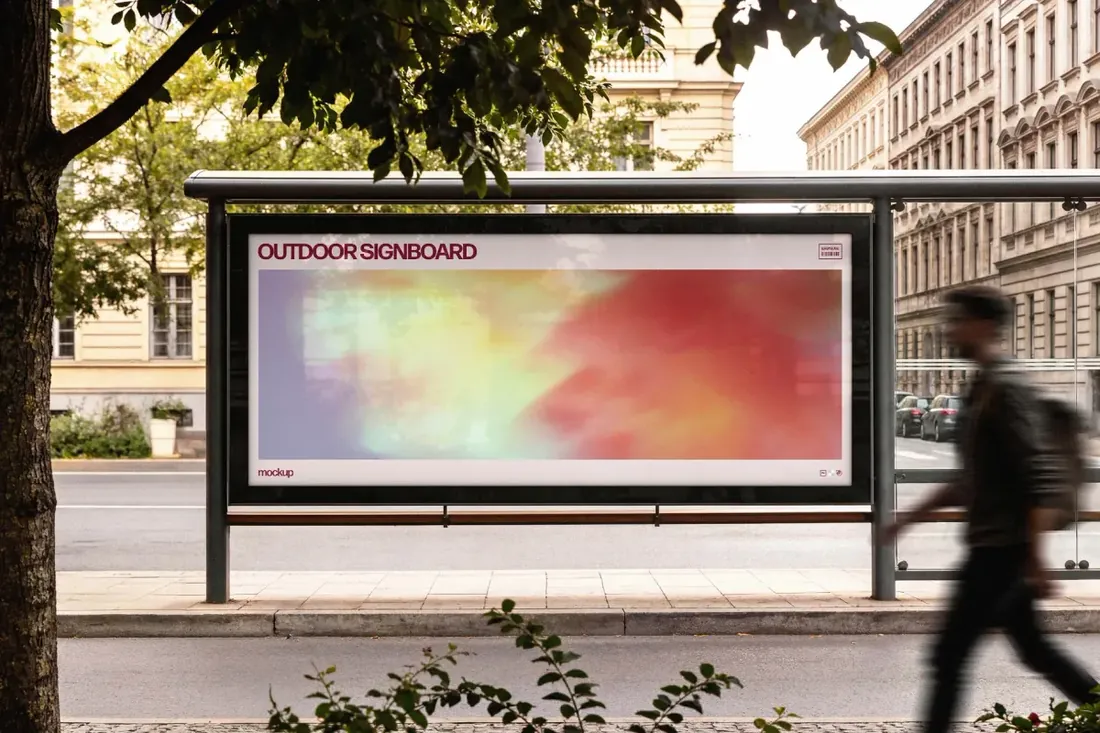
Save for laterOn your phone? Save this mockup to Pinterest and download it on your computer.
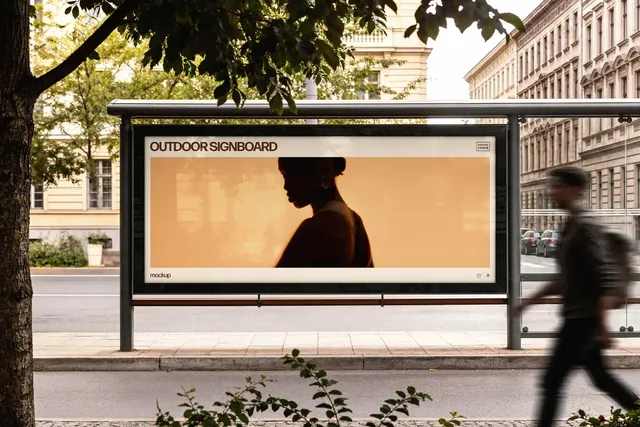
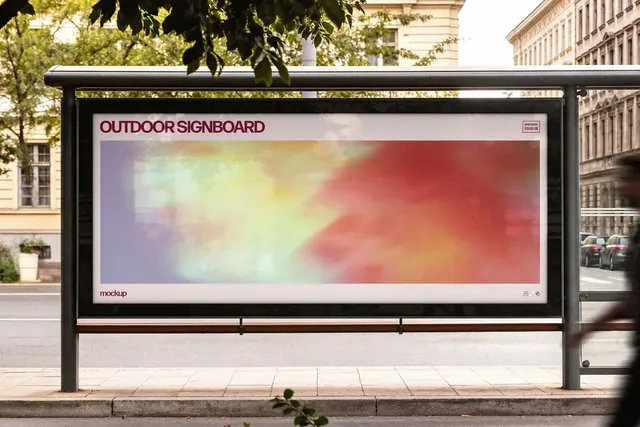
A wide panel takes the same horizontal artwork as a website banner or a YouTube cover, so one key visual can be shown online and in the street. It is a convincing way to sell a campaign as one system rather than separate files.
- Best for: showing a campaign in an everyday street scene, the way passers-by meet it.
- In the file: 4500 x 3000 px, 300 dpi, horizontal signboard format, Smart Object, help file.
- Tip: Wide panels are read from the side of the road: put the message on the left, where the eye starts.
7. Subway Station Billboard Mockup
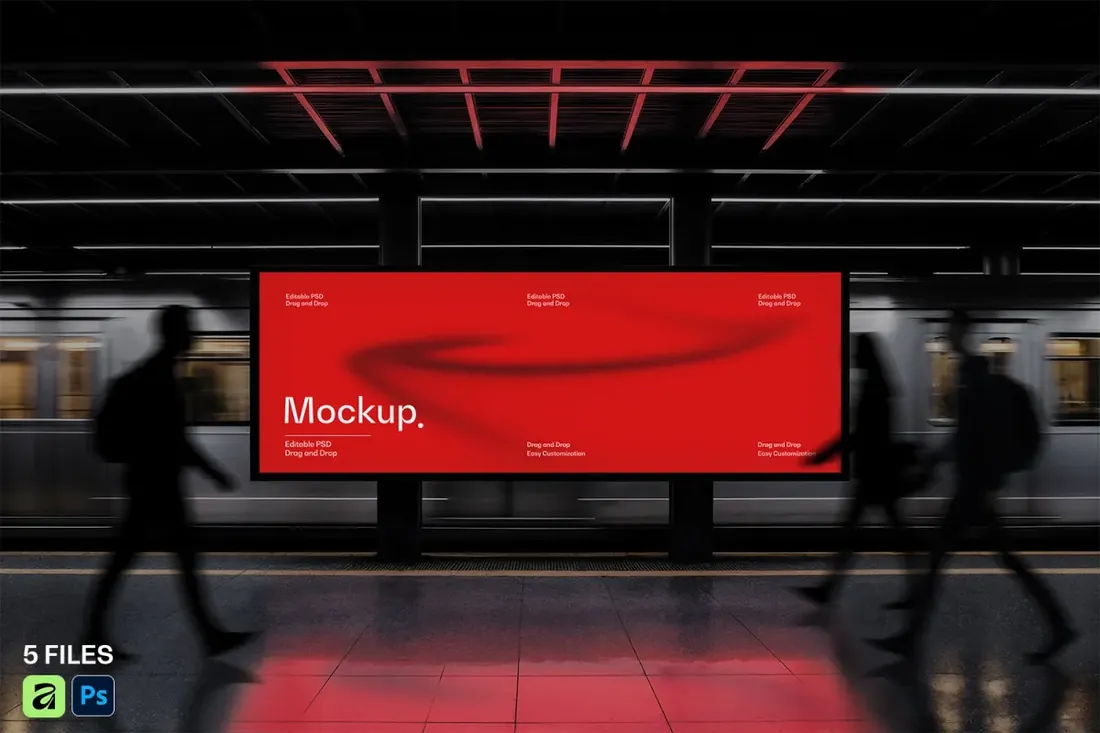
Save for laterOn your phone? Save this mockup to Pinterest and download it on your computer.
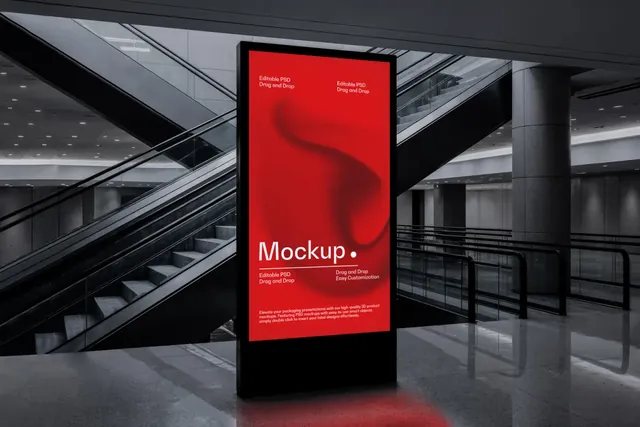
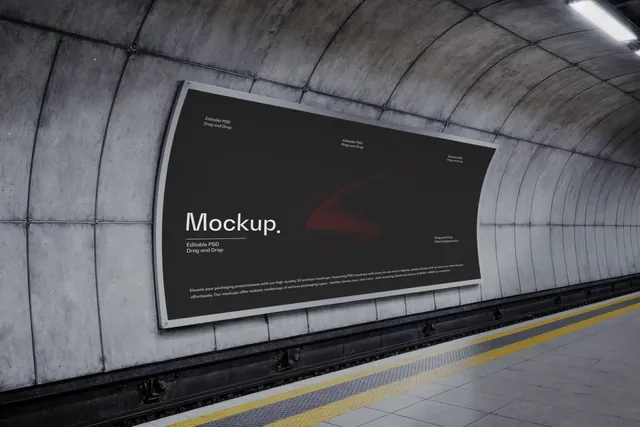
Five scenes in one station let you show a station takeover, where one brand fills the platform, the escalators and the tunnel walls. It is the format big launches use, and it turns a set of posters into a campaign.
- Best for: presenting a campaign to commuters in a busy transit setting.
- In the file: 5 PSD files, 6000 x 4000 px, 300 dpi, Smart Objects and editable background.
- Tip: Commuters see the same wall every day; a campaign with several variations keeps it fresh.
Screens and building walls
8. Night Sidewalk LED Screen Mockup
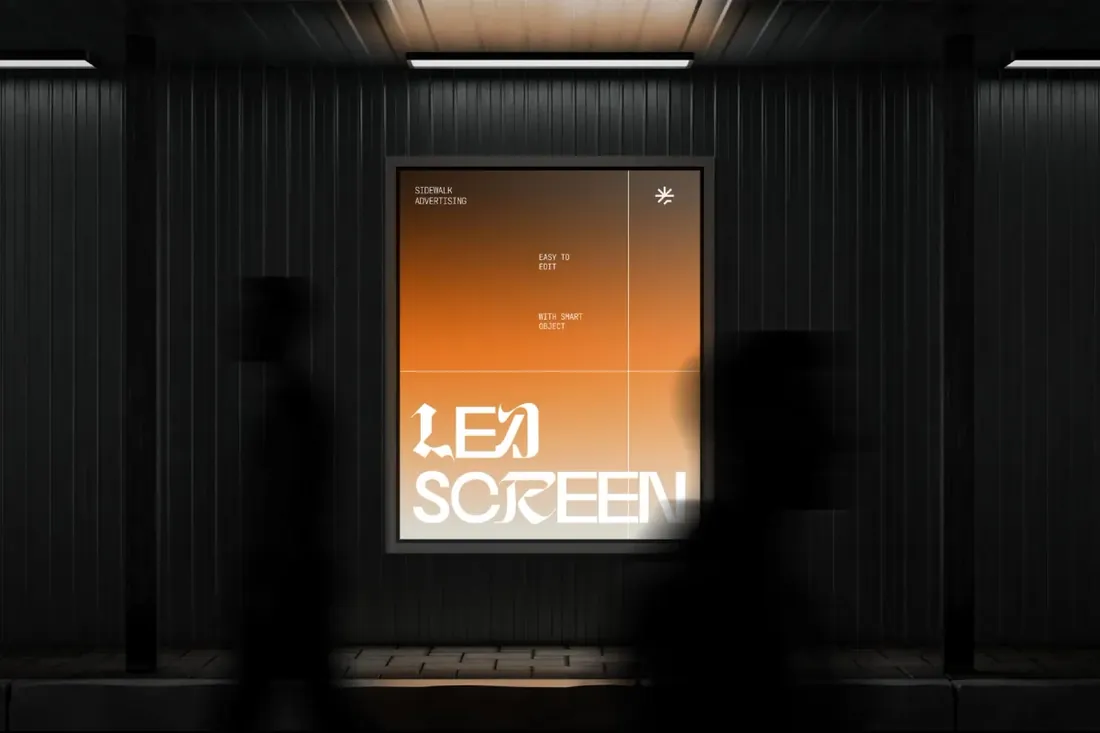
Save for laterOn your phone? Save this mockup to Pinterest and download it on your computer.
Digital screens play motion, so this is the place to show a key frame of an animated ad or a short sequence of frames. Motion designers can present their work in context instead of as a flat video thumbnail.
- Best for: presenting a digital campaign with a cinematic, night-time mood.
- In the file: 4500 x 3000 px, 300 dpi, Smart Object, Photoshop PSD.
- Tip: Screens are lit from inside: bright gradients and bold type look natural, while paper-like textures don't.
9. Tilt-Shift City Billboard Mockup
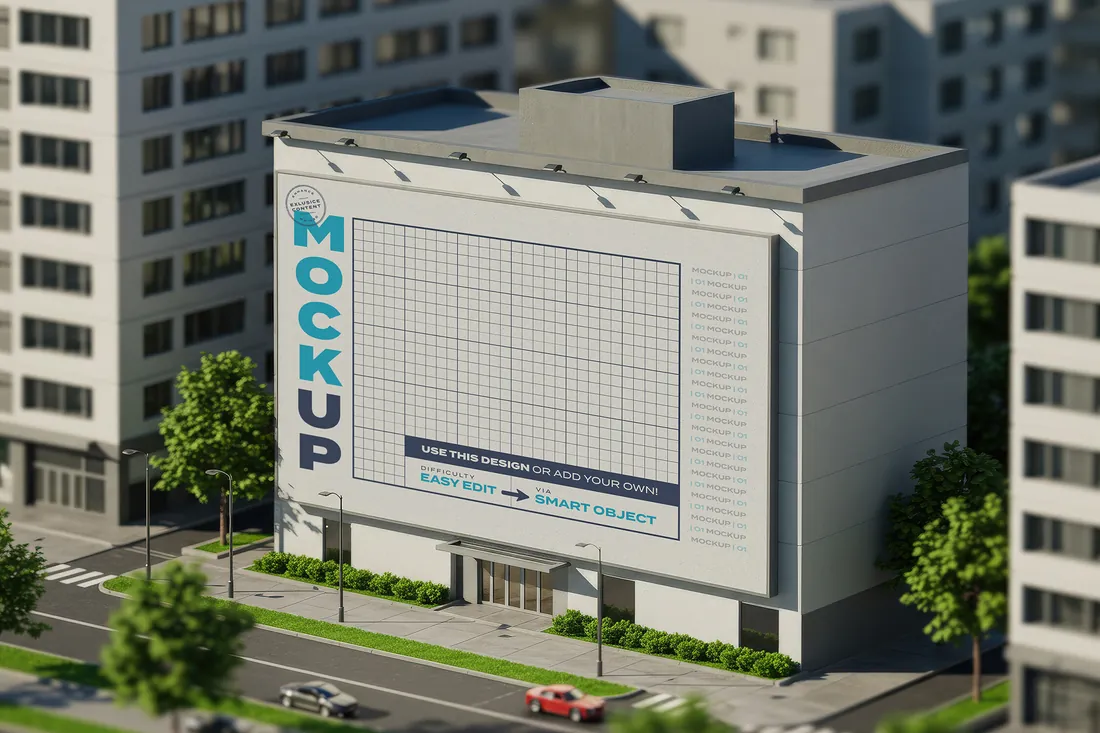
Save for laterOn your phone? Save this mockup to Pinterest and download it on your computer.
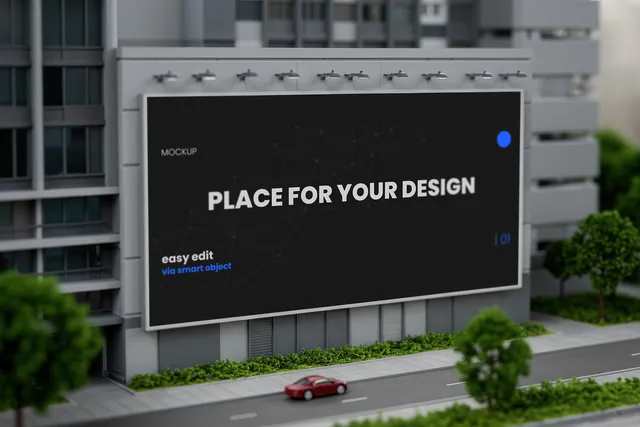
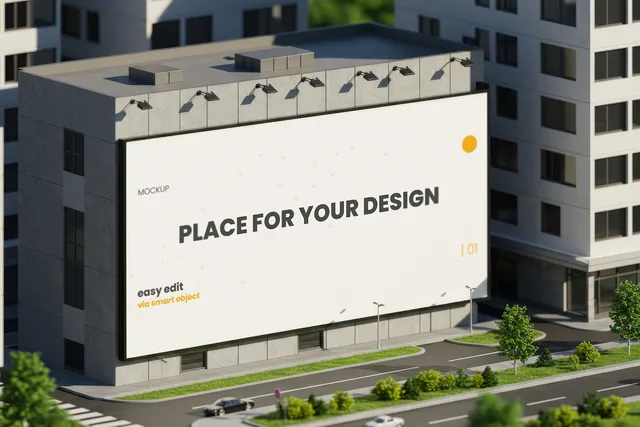
The miniature view shows scale: one design on a whole building wall and on roadside boards across town. Use it as the opening slide of a pitch to show the reach of a campaign, then move to street-level close-ups.
- Best for: presenting a campaign as a city-wide story in a playful, miniature view.
- In the file: 6 scenes, 5120 x 3584 px, Smart Objects, help file.
- Tip: Open a presentation with the miniature city view, then move to the street-level close-ups.
Signage: banners, flags and sidewalk signs
10. Street Pole Banner Mockup
Save for laterOn your phone? Save this mockup to Pinterest and download it on your computer.
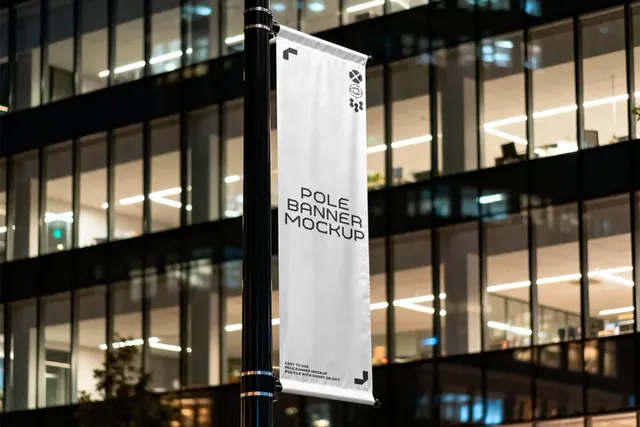
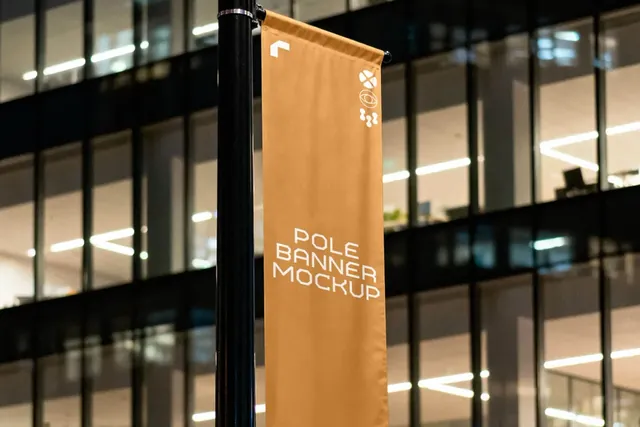
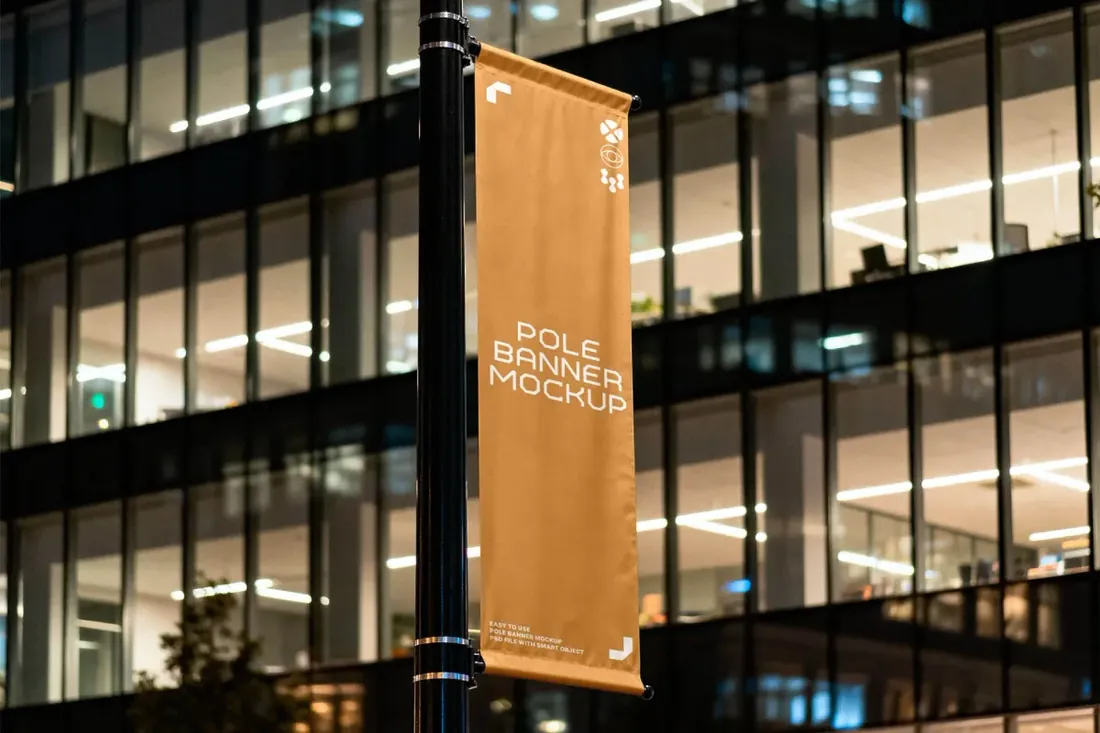
Pole banners are how festivals, museums and universities dress a whole street, so this mockup shows an event or place identity working in the city, not just on paper. A set of alternating banners makes a much stronger case than a single poster.
- Best for: branding a street, a campus or a city event with a series of banners.
- In the file: 4500 x 3000 px, 300 dpi, Smart Object, Photoshop PSD.
- Tip: Pole banners are seen in a row: design two or three that alternate rather than one that repeats.
11. Feather Flag Banner Mockup
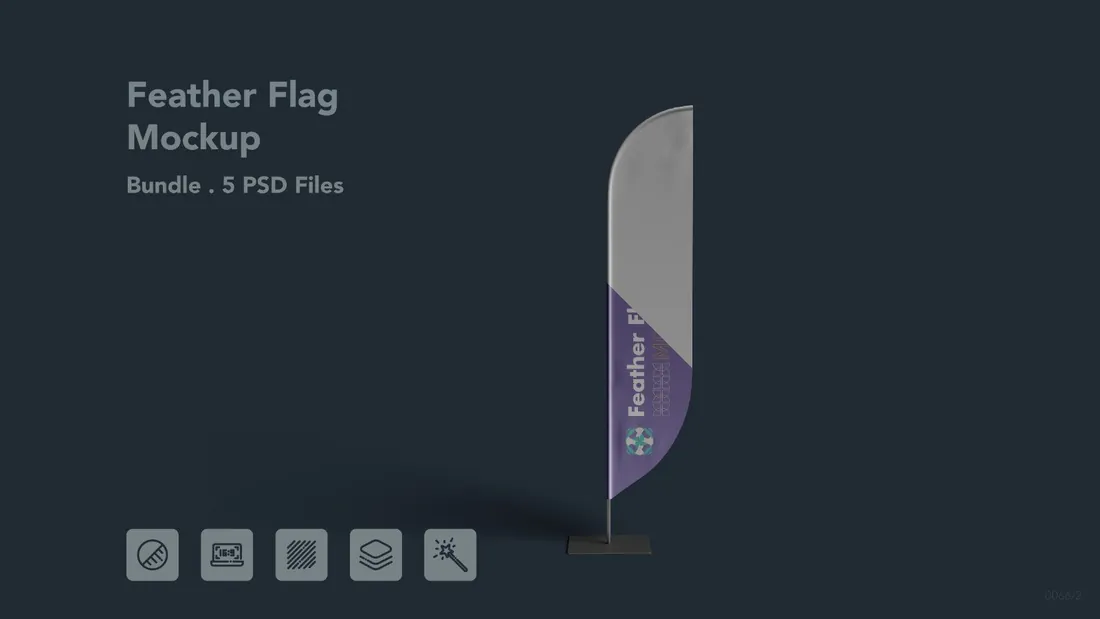
Save for laterOn your phone? Save this mockup to Pinterest and download it on your computer.
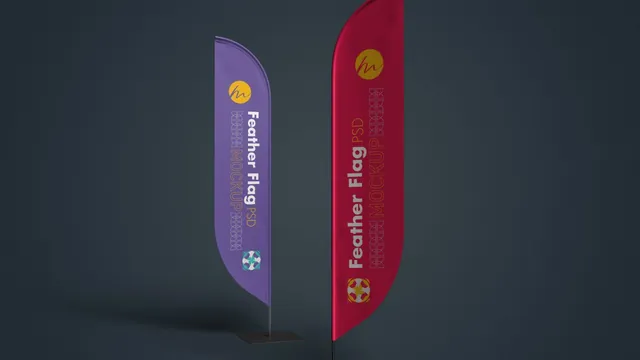
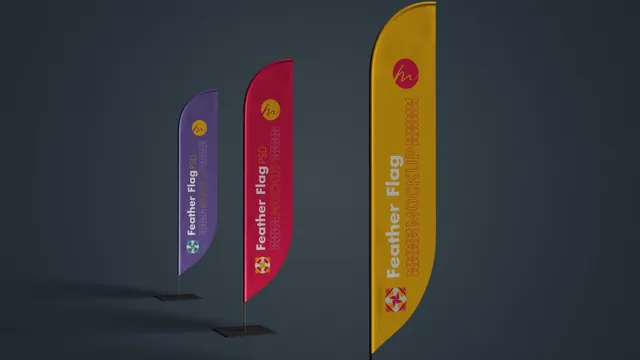
Feather flags are a typical order for an opening, a trade show or a sports event. Adding them to a branding package for a shop, a car dealer or a sports club makes the identity feel ready for real use.
- Best for: presenting flags for trade shows, store openings and sports events.
- In the file: 5 PSD files, single and multiple flag scenes, Smart Objects.
- Tip: Keep the logo in the upper half of a feather flag; the bottom is often hidden by people and furniture.
Reader perk: 10% off with code MOCKUPEX10
12. Sidewalk A-Stand Mockup
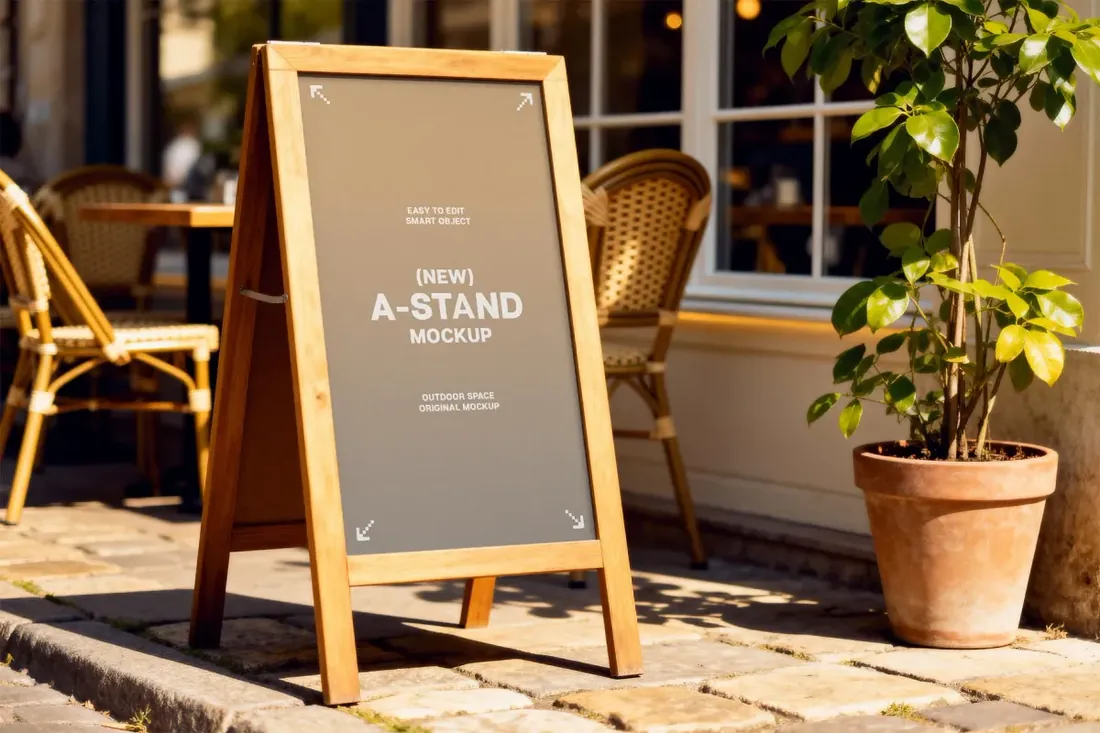
Save for laterOn your phone? Save this mockup to Pinterest and download it on your computer.
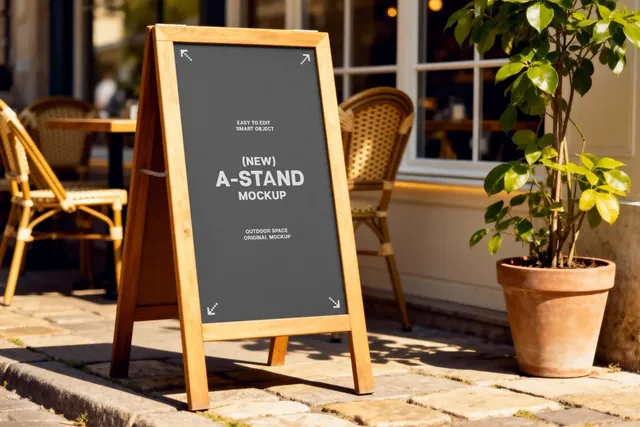
If you design for cafés and restaurants, this is where a menu, a lettering style or a daily-offer template comes to life. Small business clients relate to a sign outside their door far more than to a billboard they will never buy.
- Best for: showing a café or shop sign the way customers see it on the street.
- In the file: 4500 x 3000 px, 300 dpi, Photoshop PSD, café terrace scene.
- Tip: Write the sign as if it were chalk: short lines, large type and one clear offer.
How to present an outdoor campaign
- Test the design at a distance: shrink it to the size of a thumbnail and check that the message still reads.
- Show the same campaign in two or three settings, such as a roadside board, a bus shelter and a screen, so the client sees it as a system.
- Match the artwork to the real format of the site. Ask the media owner for the exact size and safe area before placing the design.
- Present day and night versions when the campaign will run on lit or digital sites.
By the numbers
- 7 wordsor fewer is the usual limit for a billboard's main message, since drivers read about three words per secondBlip: rules for clear billboard messages
- 24 inis the minimum letter height for billboard text meant to be read from 500 feet or moreBlip: rules for clear billboard messages
- 3:1is the minimum contrast ratio between text and background recommended for billboard copyBlip: rules for clear billboard messages
Frequently asked questions
What is a billboard mockup?
A template, usually a layered PSD file, that shows a design on a realistic billboard, poster or screen. You place the artwork into a Smart Object and the mockup adds perspective, light and the surrounding street.
Can I use billboard mockups without Photoshop?
Yes, in most cases. The browser-based editor Photopea opens PSD files and supports Smart Objects.
What resolution should my artwork be?
Open the Smart Object and check its canvas size, then export the design at exactly that size. For printing the real billboard, follow the specifications from the media owner.
Can I use these mockups in client pitches and my portfolio?
Usually yes, but terms depend on the creator. Check the license on the product page, especially for paid client work.
What is a signage mockup?
A signage mockup shows a design on a real sign: a banner, a flag, a sidewalk A-frame or a storefront sign. It helps a client see the message at the size and distance people will meet it outdoors.
Final thoughts
Pick one big board, one street-level citylight and one screen, and put the same campaign on all three. A client approves an outdoor campaign faster once they can picture walking past it.
Sources
Last checked October 31, 2026.