Packaging is often the first part of a brand people actually hold. A box on the doorstep, a bag from a favorite shop, a coffee cup in the morning: these small objects carry a logo further than most ads.
This guide brings together packaging mockups for boxes, shopping bags, drinks cans, coffee cups and cosmetic jars, for everything from online shops to cafés and beauty brands.
In this guide
- Boxes
- 1. Boxes Mockup in Hands
- 2. Mailer Box Minimalist Mockup
- 3. Takeaway Food Box Mockup
- Shopping bags and tote bags
- 4. Paper Bag Mockup with Cord Handles
- 5. Tote Bag Mockup Bundle
- Cans, paper cups and jars
- 6. Drinks Can Mockup
- 7. Paper Coffee Cup Mockup in Outdoor Sunlight
- 8. Cosmetic Jar Mockup
- How to present packaging to a client
- By the numbers
- FAQ
- Sources
Boxes
1. Boxes Mockup in Hands
Save for laterOn your phone? Save this mockup to Pinterest and download it on your computer.
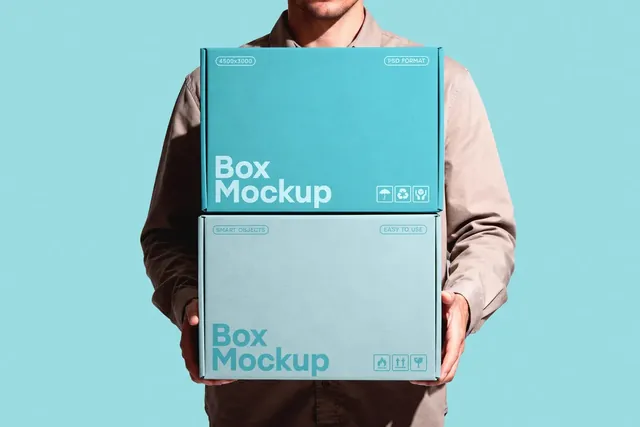
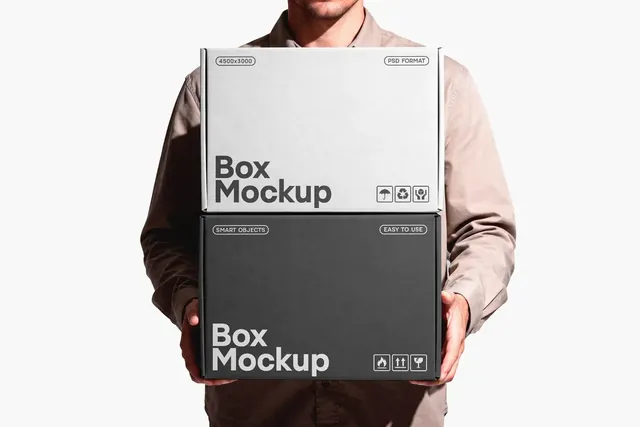
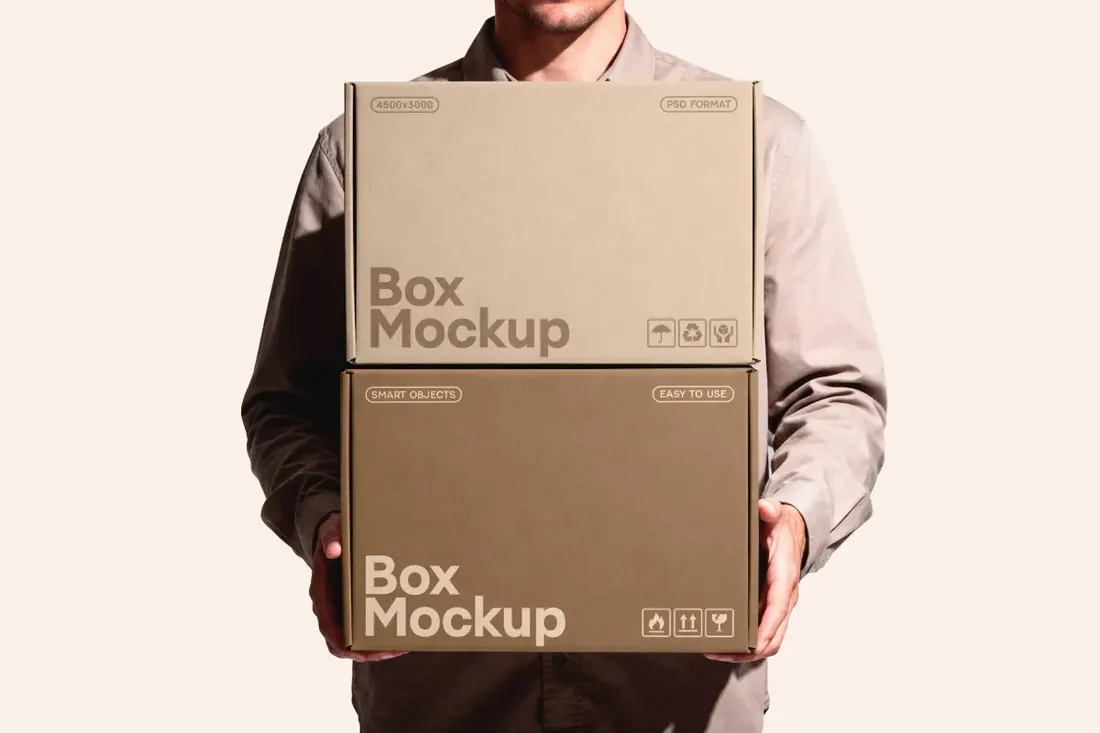
Two cardboard boxes stacked in a model's arms, both front panels facing the camera. One box is lighter and one darker, so the same design can be shown in two finishes side by side, which is handy for product lines and subscription packaging.
- Best for: showing a shipping box design in two finishes at once.
- In the file: 4500 x 3000 px, 300 dpi, two boxes in one scene, Smart Object.
- Tip: Use the two boxes for two products or two sizes; it quietly shows the brand is a range, not a single item.
2. Mailer Box Minimalist Mockup
Save for laterOn your phone? Save this mockup to Pinterest and download it on your computer.
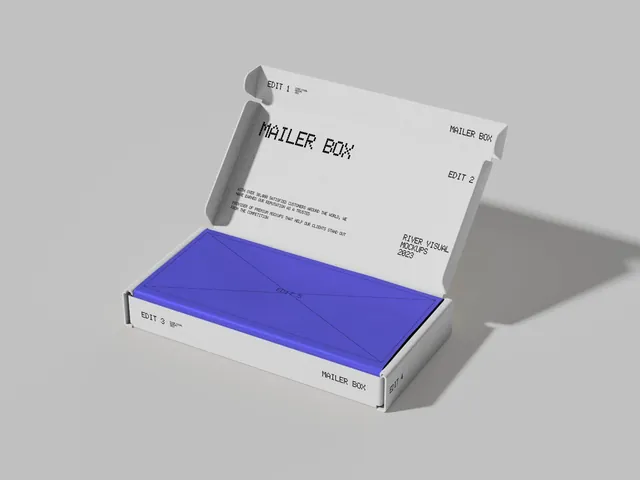
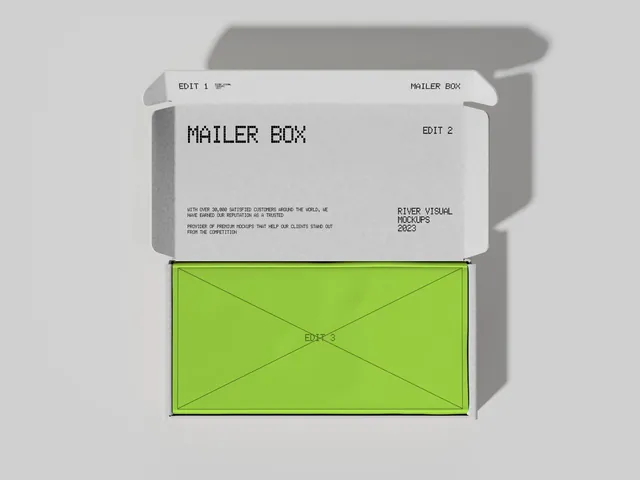
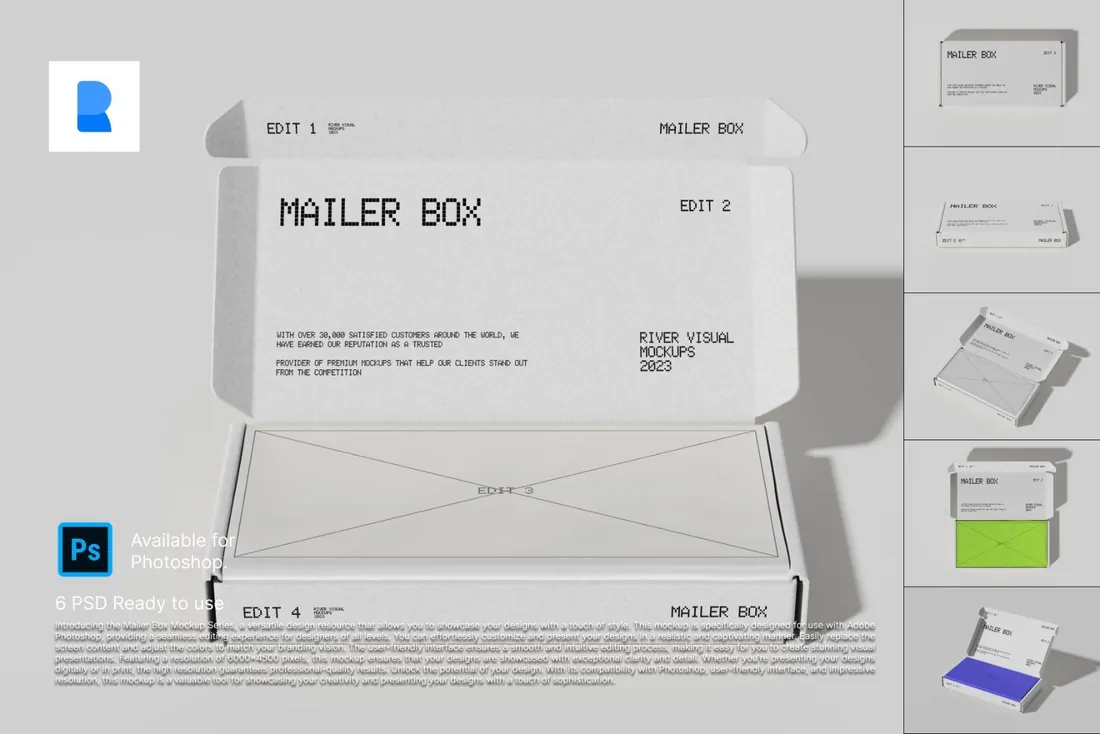
A corrugated mailer box in a minimal studio, shown open, closed, from the top and in an isometric view. It covers the whole unboxing story, from the outside print to what the customer sees when the lid comes off.
- Best for: presenting an unboxing experience from every angle.
- In the file: 6 PSD mockups, open, closed, top-down and isometric views, help document.
- Tip: Design the inside of the lid too. A printed message inside is the detail customers photograph.
Reader perk: 10% off with code MOCKUPEX10
3. Takeaway Food Box Mockup
Save for laterOn your phone? Save this mockup to Pinterest and download it on your computer.
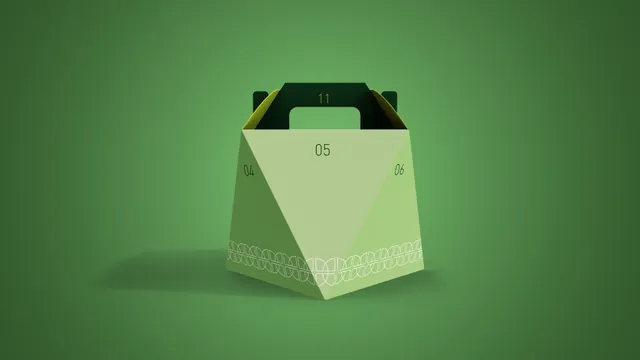
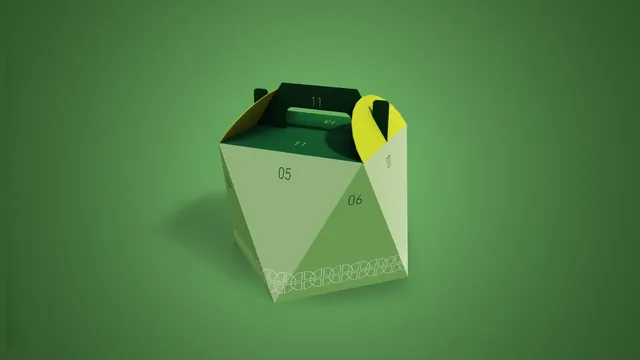
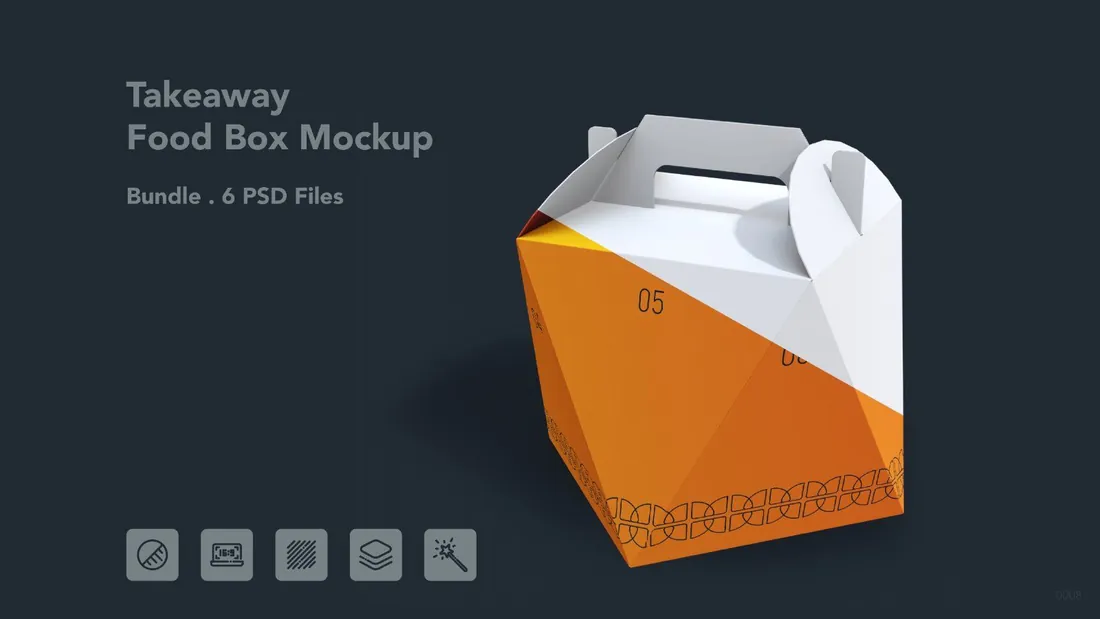
A takeaway carry box with clean folds and natural light, shown from six angles. It works for fast food, bakeries and delivery services that want to see a logo or pattern on the box before ordering a print run.
- Best for: presenting takeaway packaging for a restaurant or delivery brand.
- In the file: 6 PSD files, Smart Objects, adjustable shadows and background.
- Tip: Patterns read better than a single small logo on food boxes; test a repeat pattern across all sides.
Reader perk: 10% off with code MOCKUPEX10
Shopping bags and tote bags
4. Paper Bag Mockup with Cord Handles
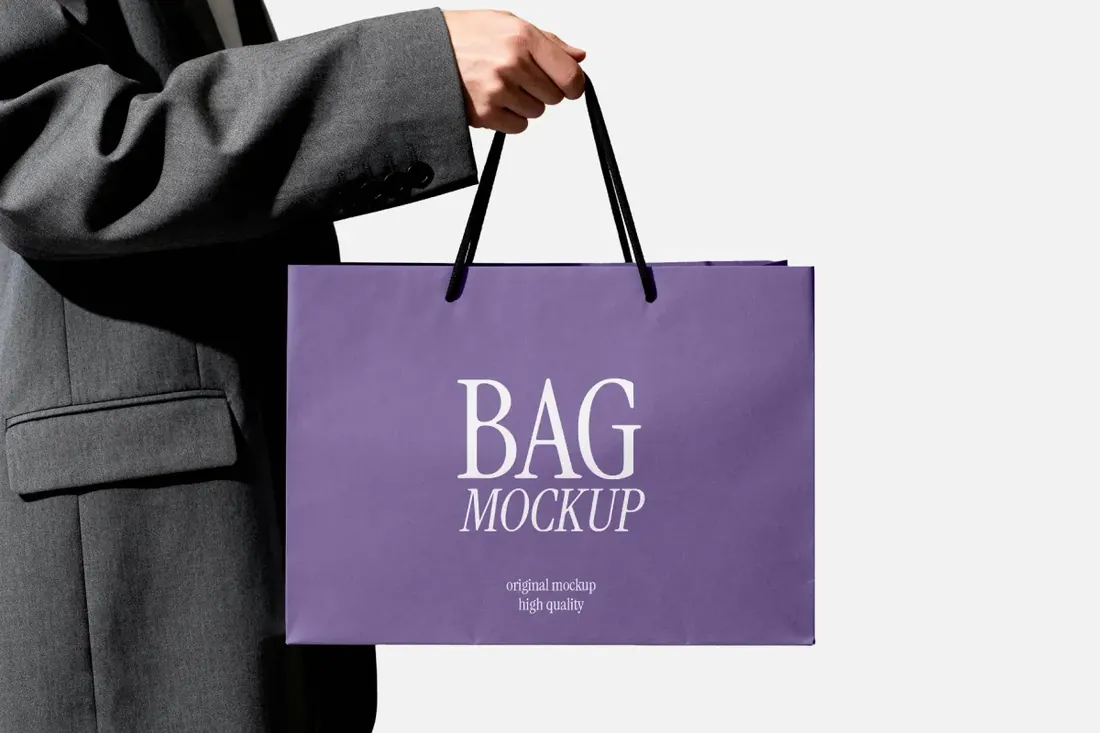
Save for laterOn your phone? Save this mockup to Pinterest and download it on your computer.
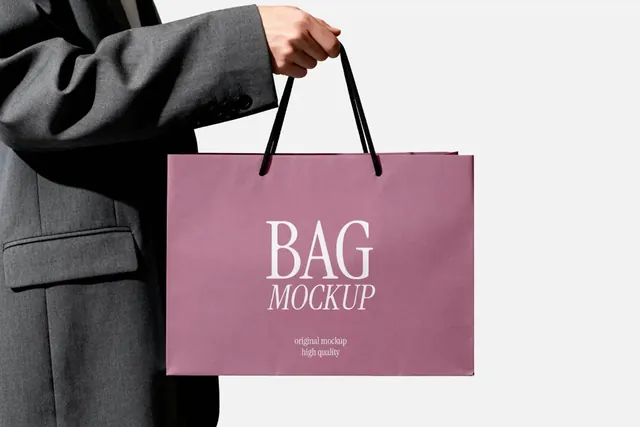
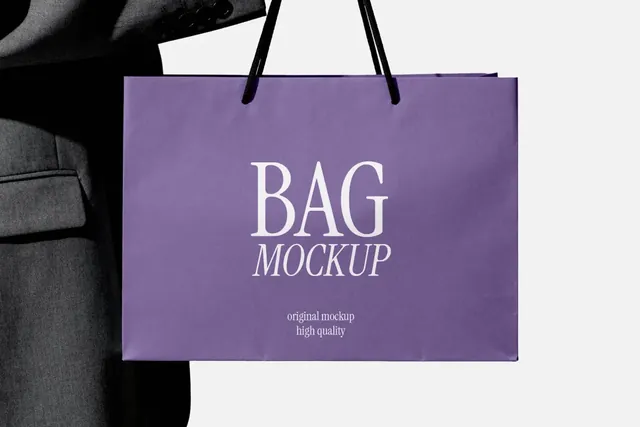
A shopping bag is the part of a brand that walks around town in customers' hands, so it shows a boutique identity working in public, not just on a business card. It also suits pop-up stores and seasonal campaign bags.
- Best for: making a boutique or retail brand feel real on a shopping bag.
- In the file: 4500 x 3000 px, 300 dpi, changeable bag color, Photoshop PSD.
- Tip: A shopping bag is seen from across the street: keep the logo large and the layout simple.
5. Tote Bag Mockup Bundle
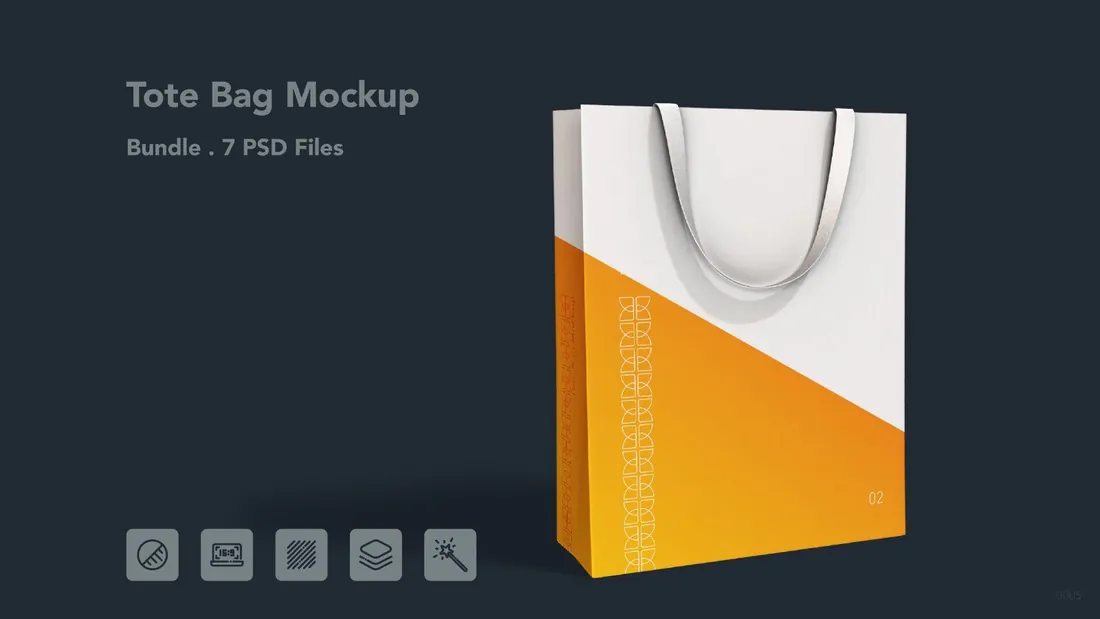
Save for laterOn your phone? Save this mockup to Pinterest and download it on your computer.
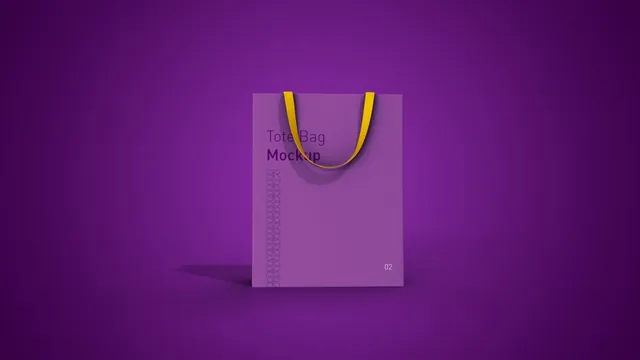
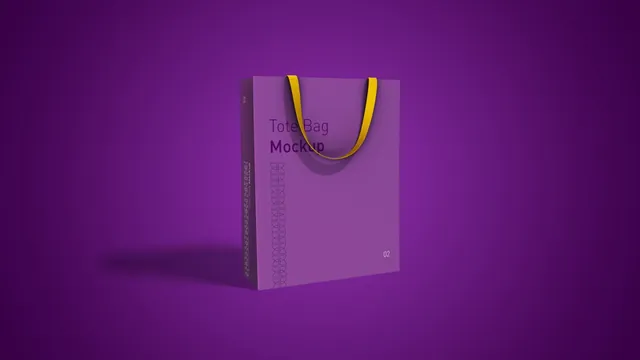
Seven tote bag scenes with realistic lighting, editable materials and background colors. It covers retail bags, event merch and branded giveaways, and the material options help when the final bag is fabric rather than paper.
- Best for: presenting shopping bag branding for a store or event.
- In the file: 7 PSD files, editable materials and colors, Smart Objects.
- Tip: Show the bag in the brand's main color and in a neutral one; most clients order both.
Reader perk: 10% off with code MOCKUPEX10
Cans, paper cups and jars
6. Drinks Can Mockup
Save for laterOn your phone? Save this mockup to Pinterest and download it on your computer.
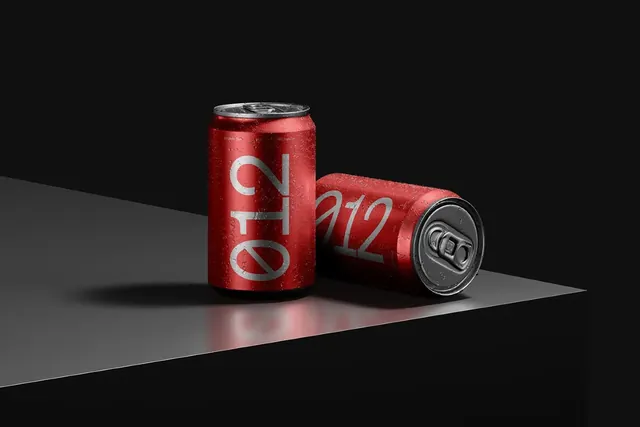
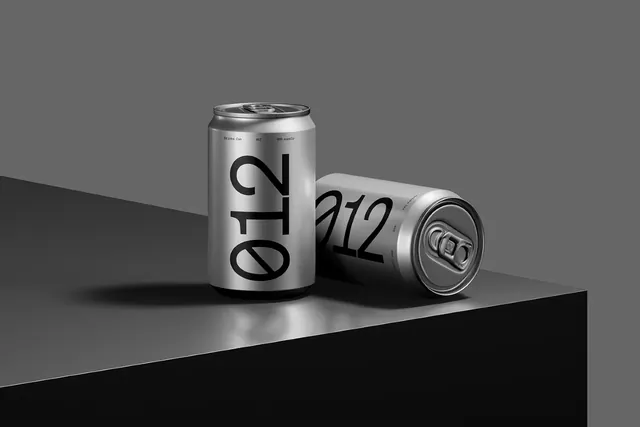
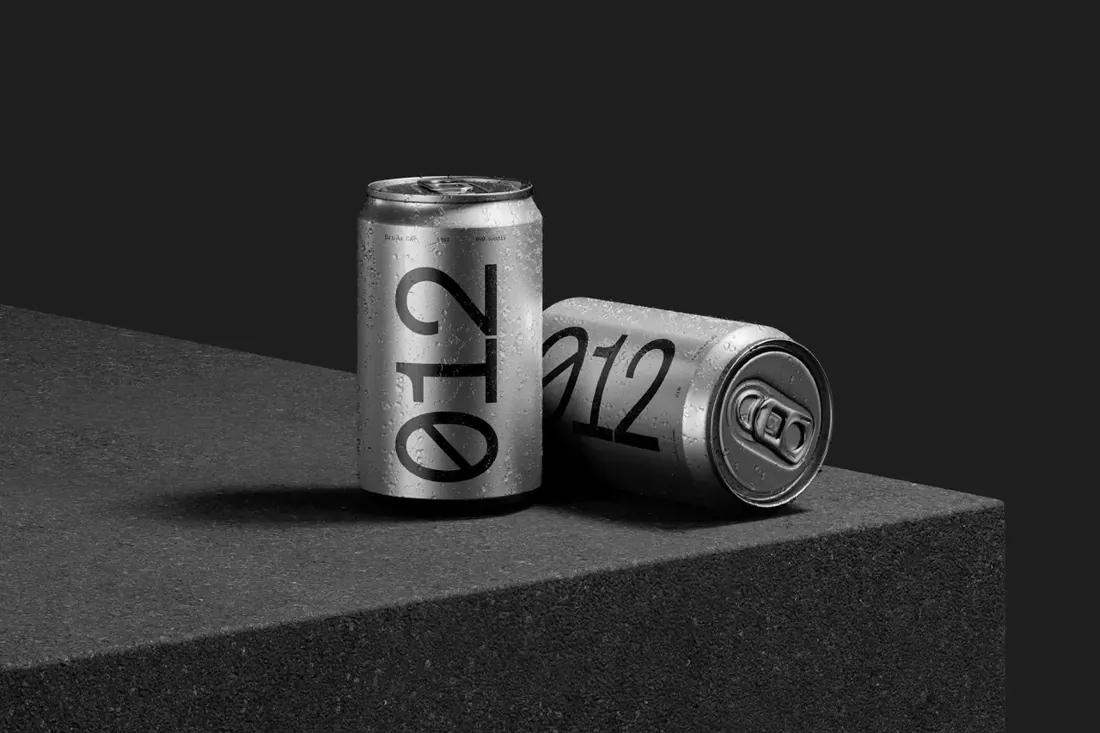
A new drink is often pitched to retailers and investors with nothing more than a can design. A realistic can makes that pitch convincing, and the changeable can color, block material and condensation droplets let one file cover a whole range of flavors.
- Best for: presenting a drinks label as a finished product.
- In the file: Editable can color, concrete, paper or glossy block, optional condensation.
- Tip: Wrap-around labels need to be designed flat at the full can width; check where the seam falls before you present.
7. Paper Coffee Cup Mockup in Outdoor Sunlight
Save for laterOn your phone? Save this mockup to Pinterest and download it on your computer.
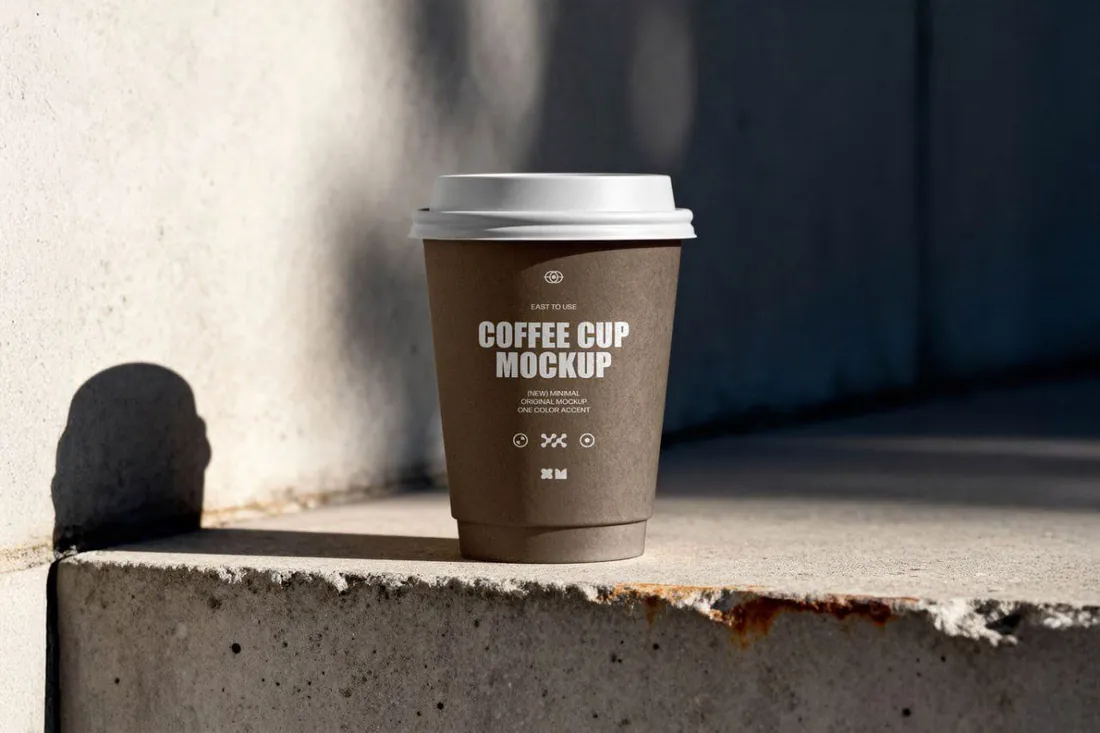
A paper takeaway coffee cup on raw concrete in harsh sunlight, with deep shadows and a street feel. It gives a coffee shop, roastery or urban brand a photo that looks shot on location rather than in a studio.
- Best for: showing a café brand in a real, everyday moment.
- In the file: Smart Objects, natural sunlight and concrete scene, high resolution for close-ups.
- Tip: Coffee cups are seen at arm's length: a bold mark on the cup is usually enough, and fine detail is lost.
Reader perk: 10% off with code MOCKUPEX10
8. Cosmetic Jar Mockup
Save for laterOn your phone? Save this mockup to Pinterest and download it on your computer.
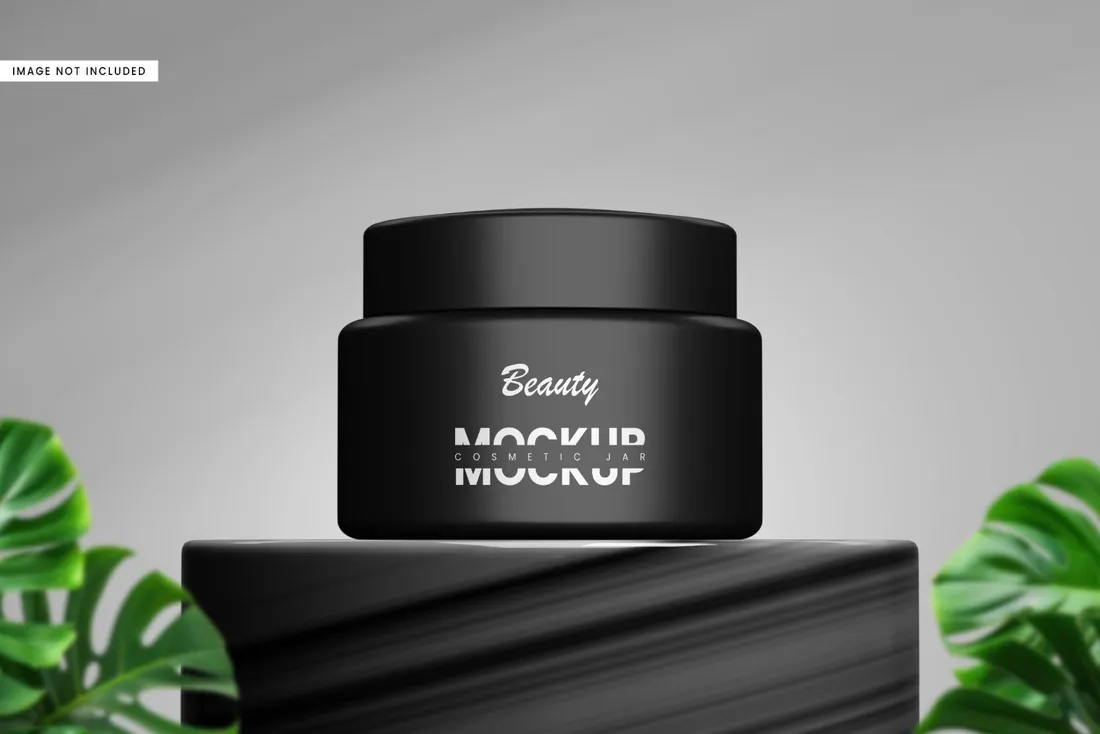
Skincare is chosen by its label, so a realistic jar is the slide that sells a label redesign or a new line to a client. It also works as a product image for an online shop before the first batch is ready.
- Best for: presenting a skincare or beauty label on the actual jar.
- In the file: 4500 x 3000 px, 300 dpi, Smart Object label, separated object and shadow.
- Tip: Small jars leave little room for text; put the brand on the lid or the front and keep ingredients for the back.
Reader perk: 10% off with code MOCKUPEX10
How to present packaging to a client
- Start with the hero pack, then show the range: two or three products in the same system convince more than one perfect box.
- Show packaging in hand or in use. A box held by a person feels like a product, a floating box feels like a render.
- Check the real dimensions and the dieline from the printer before you place artwork, so the mockup matches what gets printed.
- Keep colors close to what the printer can match; bright screen colors often print duller on kraft or matte paper.
By the numbers
- 72%of consumers agree that packaging design can influence their purchasing decisionsPaper and Packaging Board and Ipsos survey, May 2018
- 63%say paper and cardboard packaging makes a product seem premium or high qualityPaper and Packaging Board and Ipsos survey, May 2018
Frequently asked questions
What is a packaging mockup?
A template, usually a layered PSD file, that shows a design on a realistic box, bag, can, cup or jar. You place the artwork into a Smart Object and the mockup adds folds, lighting and texture.
Can I use packaging mockups without Photoshop?
Yes, in most cases. The browser-based editor Photopea opens PSD files and supports Smart Objects.
Does a mockup replace a printed sample?
No. A mockup is for presenting the design; before a print run, ask the printer for a dieline and a physical proof.
Can I use packaging mockups for my product listings?
Usually yes, but terms depend on the creator. Check the license on the product page before using a mockup in an online store or for clients.
What is the best mockup for a shopping bag or tote bag?
A bag held in hand or in use, because it shows the logo at the size customers will see it on the street. The paper shopping bag and tote bag mockups in this guide cover retail, boutique and event bags.
Final thoughts
Show the packaging the way customers will meet it: in hand, at the counter or on the doorstep. A client approves a pack faster when it already looks like something they could buy.
Sources
Last checked October 31, 2026.