A website or an app comes to life on a screen. Until then it is a set of flat frames, and that is rarely what a client, an investor or a future customer wants to look at.
This guide brings together device mockups for phones, laptops, desktops, tablets and watches, from relaxed lifestyle scenes to clean studio shots and bold editorial sets.
In this guide
- Phone mockups
- 1. Handheld iPhone 17 Pro Mockup
- 2. Standing iPhone Mockup
- Laptop and desktop mockups
- 3. Macbook Mockup on Concrete
- 4. Desktop Screen Mockup
- Tablets and watches
- 5. iPad Pro Mockup Bundle
- 6. Apple Watch Ultra 2 Mockup
- Multi-device sets
- 7. Apple Devices Mockup Set
- 8. Device Screen Mockup Bundle
- How to present a website or app on a device mockup
- By the numbers
- FAQ
- Sources
Phone mockups
1. Handheld iPhone 17 Pro Mockup
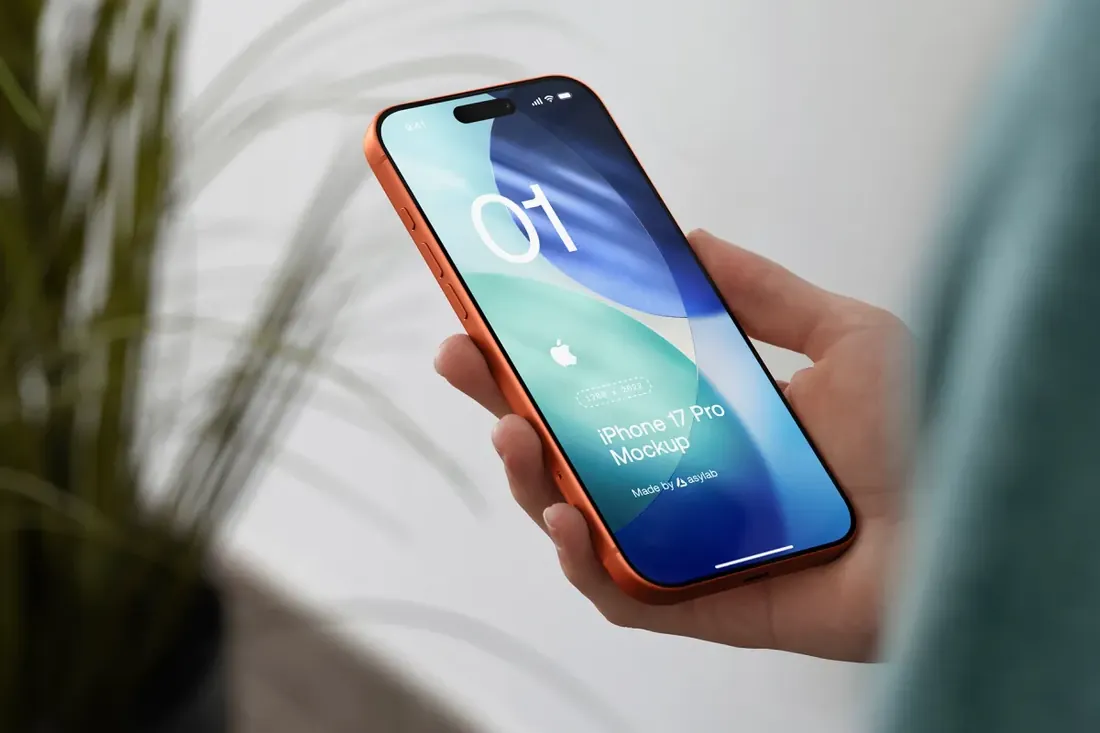
Save for laterOn your phone? Save this mockup to Pinterest and download it on your computer.
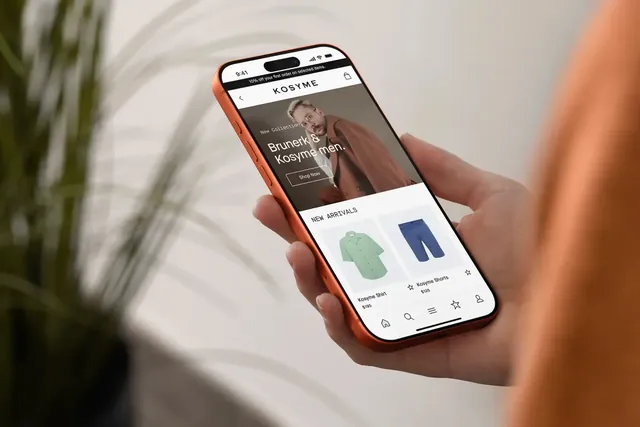
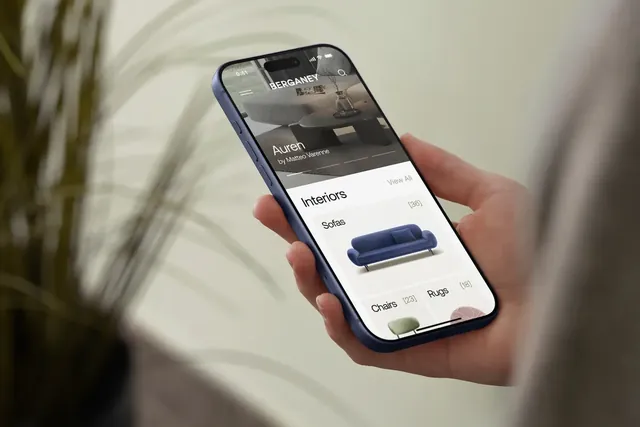
A phone in hand shows an app the way it is actually used, which makes a launch post or an app store image feel real. Four phone colors and separate color layers for the sweatshirt, wall and plants let you tune the whole scene to the app's palette.
- Best for: showing an app the way people actually use it, in hand.
- In the file: 4 phone colors, Smart Object screen with optional glare, ready-made iOS status bar.
- Tip: Match the sweatshirt and wall colors to the app's palette; the whole scene then feels designed around the product.
2. Standing iPhone Mockup
Save for laterOn your phone? Save this mockup to Pinterest and download it on your computer.
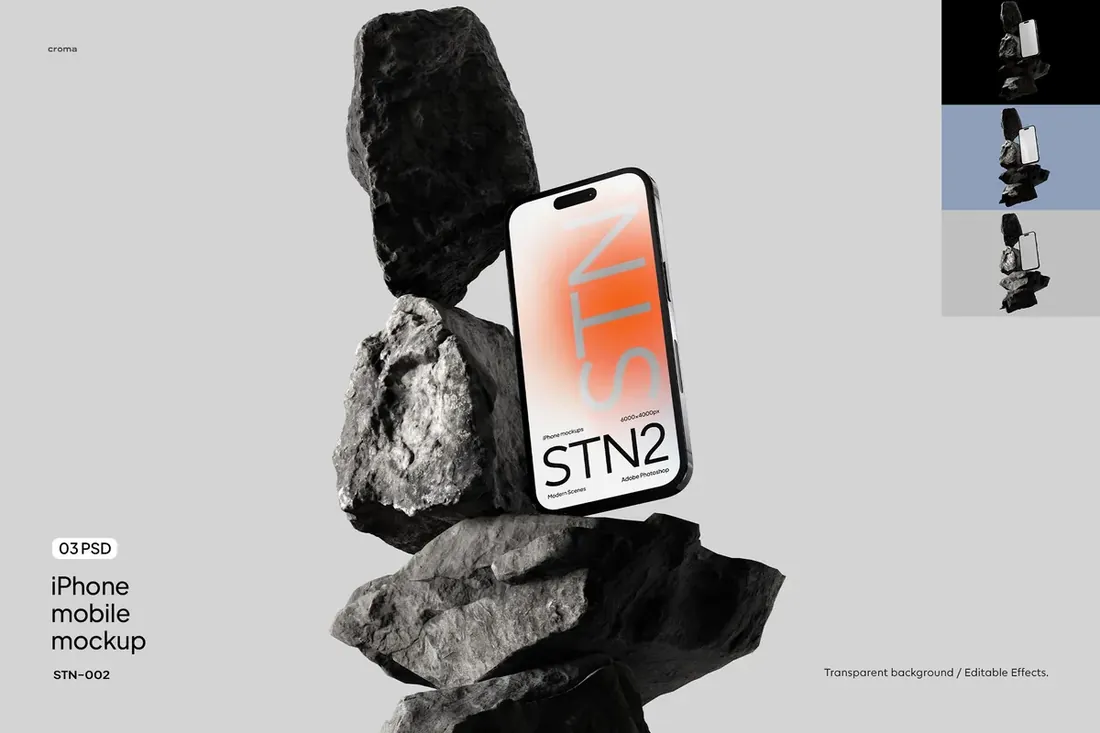
An iPhone standing on a stone podium with hard shadows and moody light, in muted neutral tones. It looks more like a gallery piece than a product shot, which suits a launch post, a portfolio cover or a landing page hero.
- Best for: giving an app or website launch an editorial, gallery-like look.
- In the file: 3 PSD scenes, portrait and landscape options, Smart Object screen.
- Tip: Use one striking screen, such as the home screen or a hero image. Busy interfaces get lost in a moody scene.
Laptop and desktop mockups
3. Macbook Mockup on Concrete
Save for laterOn your phone? Save this mockup to Pinterest and download it on your computer.
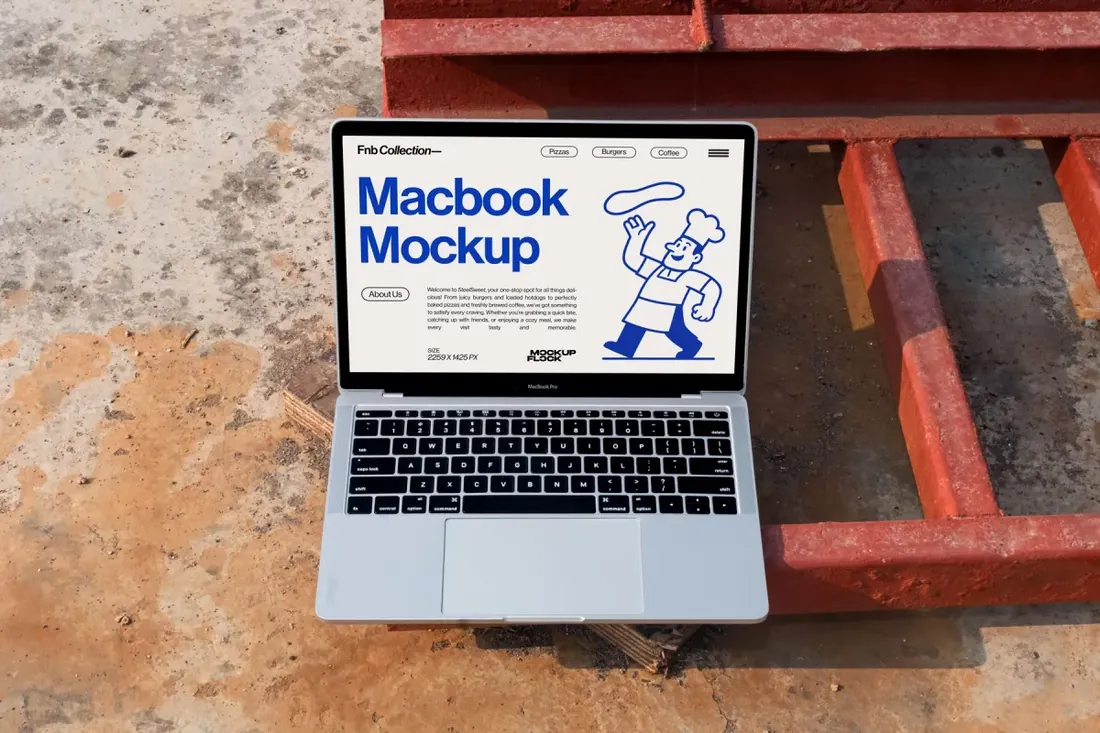
Most website mockups put the laptop on an office desk. An outdoor concrete scene gives food, menu, travel and lifestyle websites a setting that matches their audience, and it stands out in a portfolio full of desk shots.
- Best for: presenting a website or app in a natural, outdoor setting.
- In the file: 6000 x 4000 px, 300 dpi, Photoshop PSD, outdoor concrete scene.
- Tip: Show a full page with real content above the fold; a laptop screen at this size makes empty layouts obvious.
4. Desktop Screen Mockup
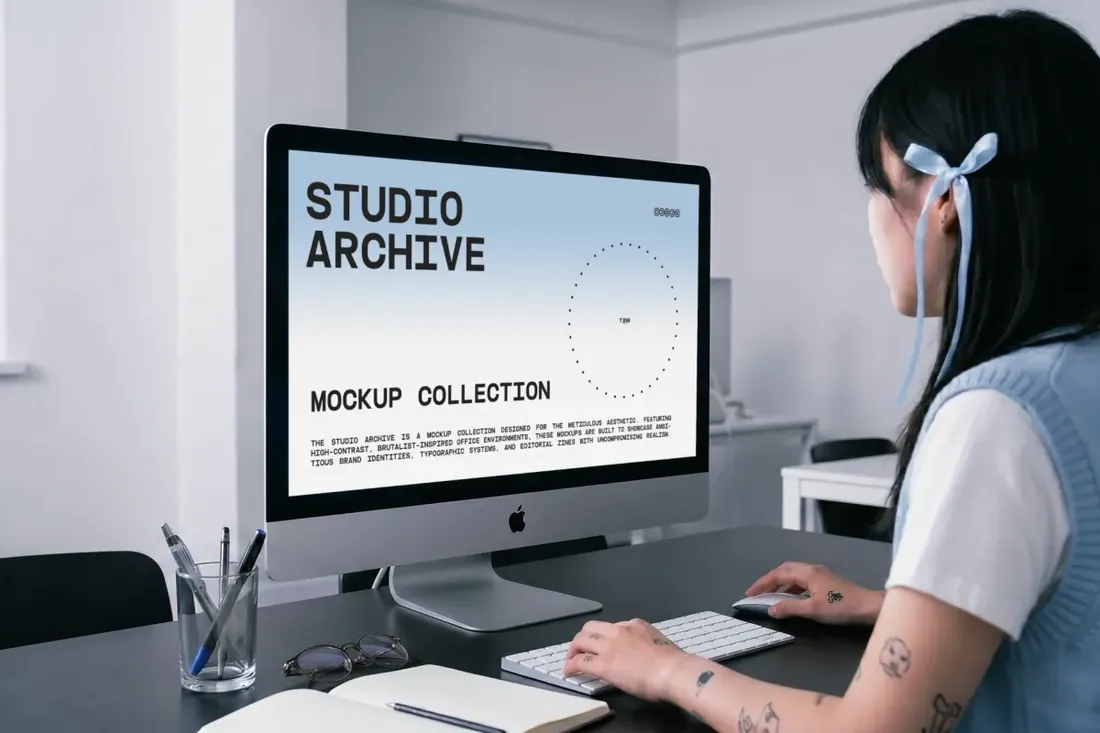
Save for laterOn your phone? Save this mockup to Pinterest and download it on your computer.
Dashboards and wide layouts lose their detail on a phone or laptop mockup. A desktop screen in a real office shows them at a readable size, which is exactly what software and business clients want to see.
- Best for: showing a website or dashboard in a real workspace.
- In the file: 5000 x 2791 px, 300 dpi, Smart Object display, organized, editable layers.
- Tip: Desktop scenes suit dashboards and wide layouts; keep mobile-first designs for the phone mockups.
Tablets and watches
5. iPad Pro Mockup Bundle
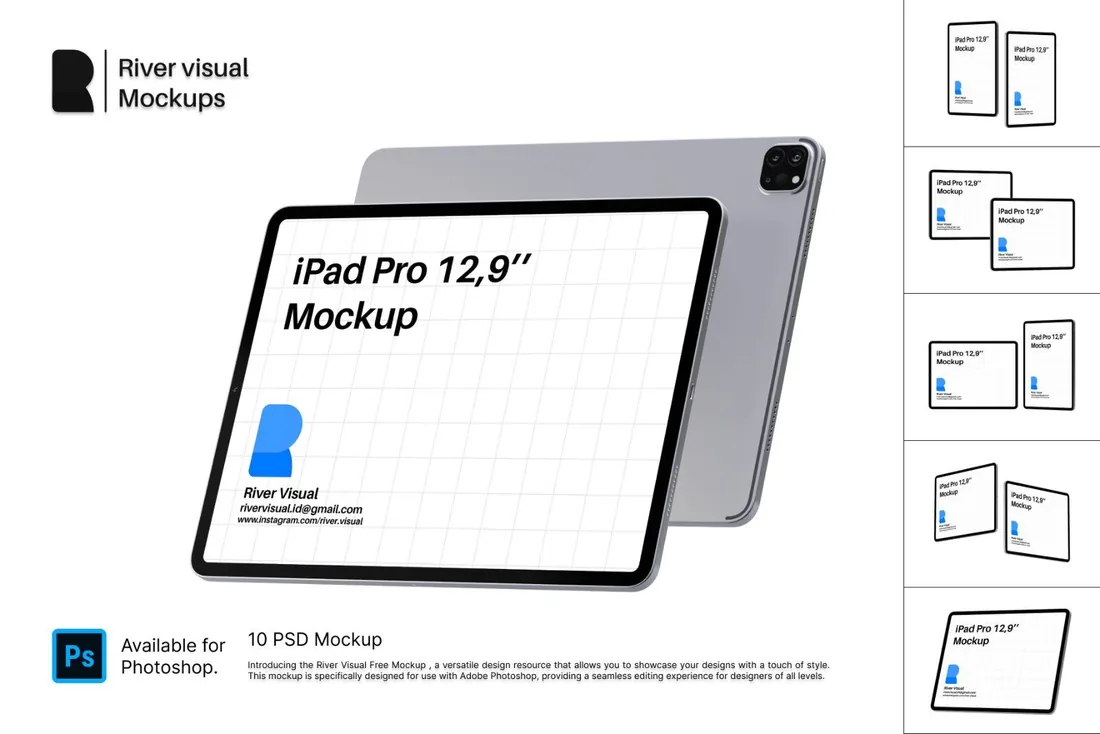
Save for laterOn your phone? Save this mockup to Pinterest and download it on your computer.
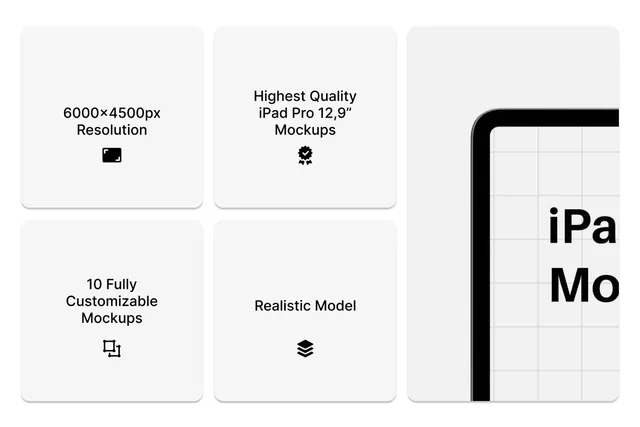
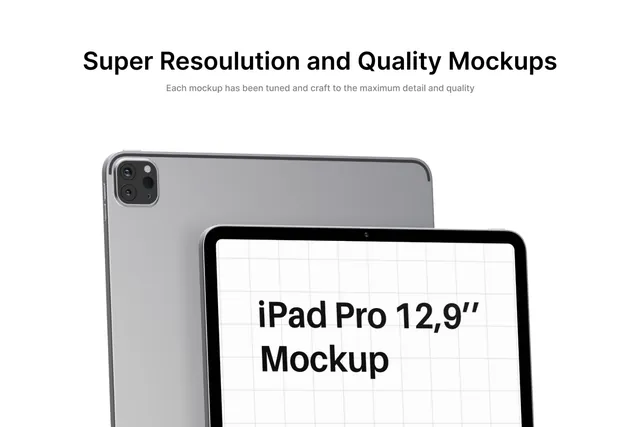
A tablet screen is big enough for real artwork, so this set works not only for apps but also for illustrators showing a piece, a portfolio or a digital planner. Ten layouts, from a single screen to multi-device spreads, cover a whole case study.
- Best for: presenting tablet apps and digital artwork in several layouts.
- In the file: 10 PSD files, portrait, landscape and floating layouts, Smart Objects.
- Tip: Use the multi-device layouts to show the flow between screens, not just the same screen several times.
Reader perk: 10% off with code MOCKUPEX10
6. Apple Watch Ultra 2 Mockup
Save for laterOn your phone? Save this mockup to Pinterest and download it on your computer.
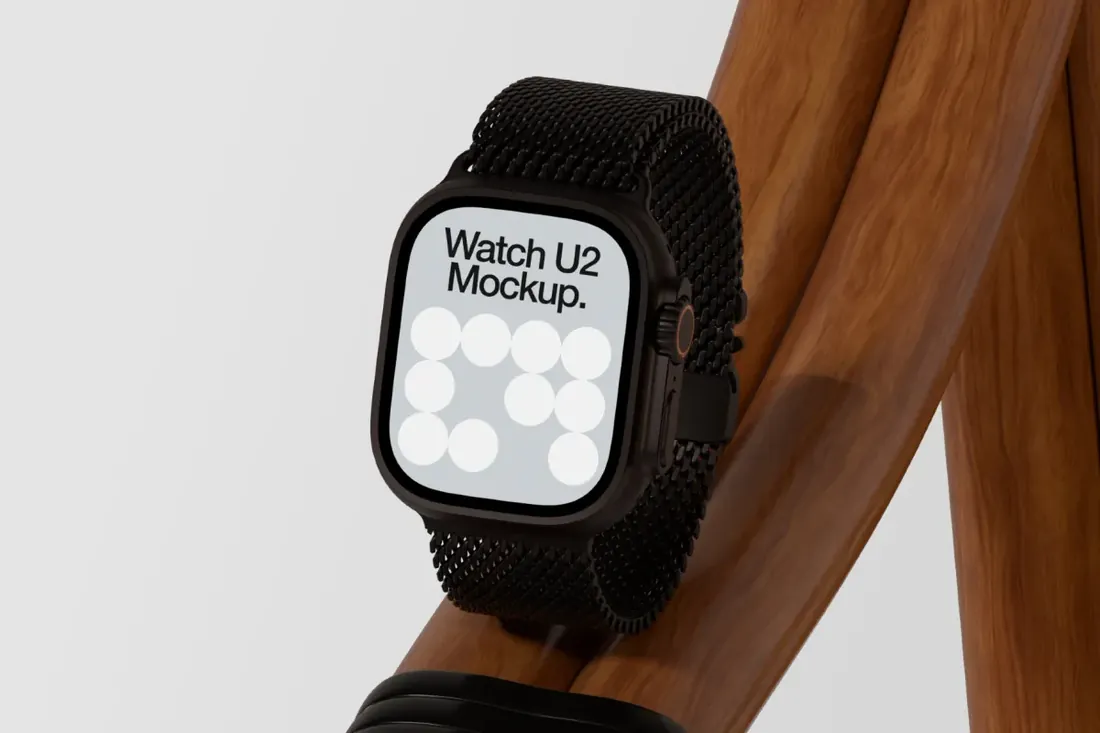
An Apple Watch Ultra 2 balanced on smooth wooden curves, styled like a luxury product shot. It gives watch faces, fitness apps and wearable brands a high-end look that a flat screenshot can't.
- Best for: presenting watch faces and fitness apps as a premium product.
- In the file: Apple Watch Ultra 2, Photoshop PSD, wooden product scene.
- Tip: Watch screens are tiny: use large type and high contrast in the design you place on it.
Multi-device sets
7. Apple Devices Mockup Set
Save for laterOn your phone? Save this mockup to Pinterest and download it on your computer.
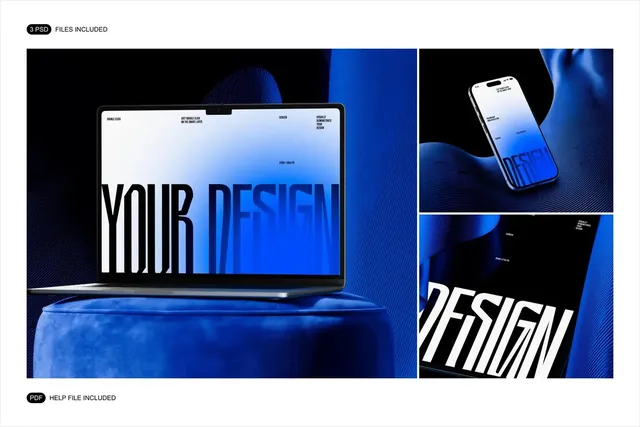
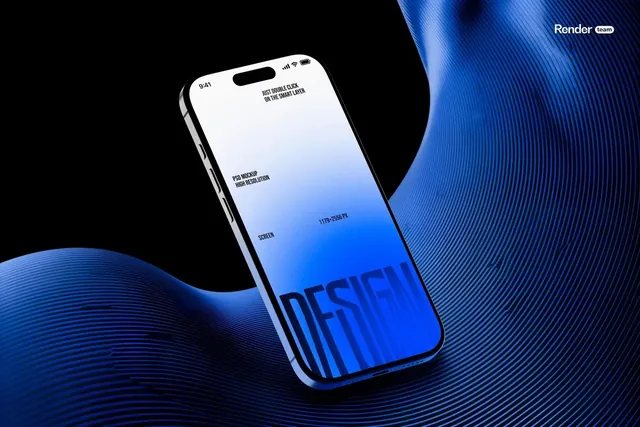
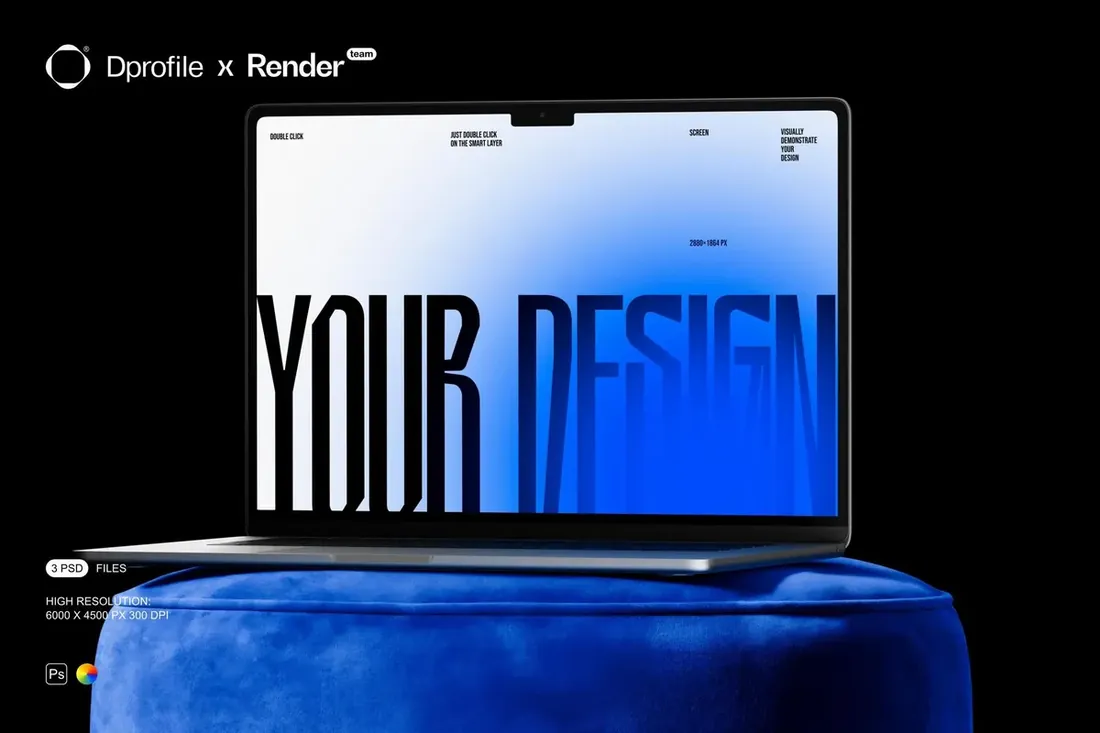
When one product lives on a laptop, a phone and a tablet, showing all three in one style tells the client it is one system, not three separate screens. Global color control, adjustable highlights and optional grain tune the whole set to the brand in one place.
- Best for: presenting one design across laptop, phone and tablet in a bold style.
- In the file: 3 scenes: laptop, phone, tablet, Smart Objects for one-click swap, global color and grain controls.
- Tip: Pick one brand color for the set and use it in all three scenes; it ties a multi-device presentation together.
8. Device Screen Mockup Bundle
Save for laterOn your phone? Save this mockup to Pinterest and download it on your computer.
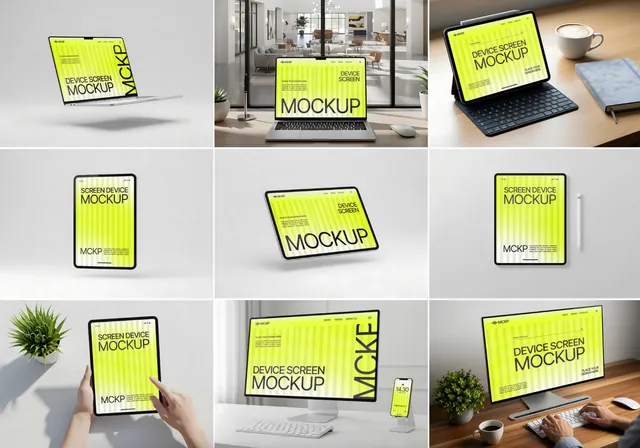
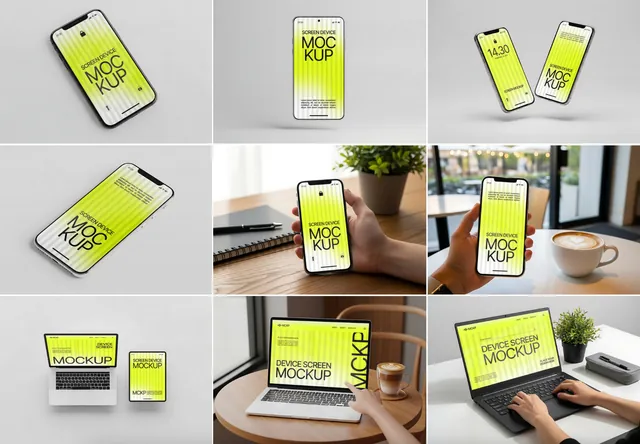
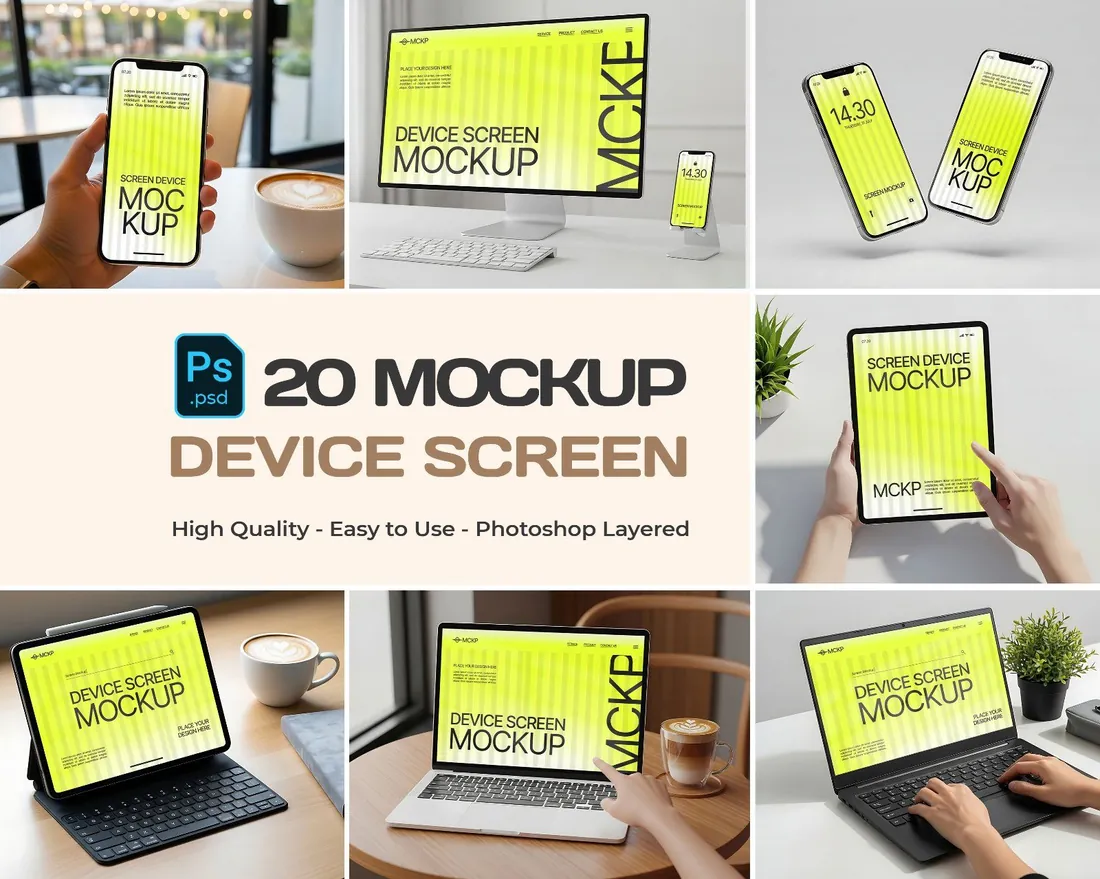
Twenty scenes with phones, tablets, laptops and desktops in bright, everyday settings. Having all devices in one consistent style is handy for portfolio case studies, landing pages and social posts for digital products.
- Best for: covering a whole case study with one consistent set of device scenes.
- In the file: 20 PSD files, phones, tablets, laptops and desktops, 5000 x 3500 px previews.
- Tip: Choose three or four scenes and reuse them across your portfolio, so every case study looks part of one body of work.
Reader perk: 10% off with code MOCKUPEX10
How to present a website or app on a device mockup
- Export each screen at the size of the mockup's screen area, so text and icons stay sharp.
- Use real content rather than placeholder text. A believable home screen or key page makes the idea land faster.
- Pair one lifestyle scene with one clean studio shot: one shows context, the other shows detail.
- Keep the time, battery and status bar consistent across every phone screen in a presentation.
By the numbers
- 60%of worldwide web traffic came from mobile devices in September 2026, against about 40% from desktopStatCounter Global Stats, Sep 2026
- 50 msis roughly how long people take to judge the visual appeal of a web page, according to research from Carleton UniversityNature news on Lindgaard et al., Behaviour & Information Technology, 2006
Frequently asked questions
What is a device mockup?
A template, usually a layered PSD file, that shows a design on a realistic phone, laptop, tablet or watch screen. You paste the screen into a Smart Object and the mockup adds perspective, light and reflections.
Can I use device mockups without Photoshop?
Yes, in most cases. The browser-based editor Photopea opens PSD files and supports Smart Objects.
What size should my screenshots be?
Open the Smart Object and check its canvas size, then export your screen at exactly that size. It keeps type and icons sharp.
Can I use device mockups in client presentations and my portfolio?
Usually yes, but terms depend on the creator. Check the license on the product page, especially for paid client work.
What makes a good website or phone mockup design?
Real content, a screen exported at the exact size of the mockup's Smart Object, and a scene that matches the audience. For an iPad mockup or a laptop mockup, show a full page with real content rather than an empty template.
Final thoughts
Pick one phone scene and one larger screen, place real content in both, and keep the colors consistent. A client remembers a design they could picture in use.
Sources
- StatCounter Global Stats, Sep 2026
- Nature news on Lindgaard et al., Behaviour & Information Technology, 2006
Last checked October 31, 2026.